
Smart-home automation doesn’t have to start with expensive lighting systems, smart appliances, or complicated installations. Sometimes, one of the easiest places to begin is with a smart plug.
A smart plug turns many ordinary appliances into connected devices. Once installed, you can use an app or compatible voice assistant to switch devices on and off, create schedules, build routines, and—on some models—monitor energy consumption.
That makes smart plugs particularly useful for lamps, fans, coffee makers, humidifiers, chargers, and other compatible appliances.
However, not every smart plug offers the same experience. Before buying, you’ll want to consider Wi-Fi compatibility, smart-home ecosystem support, energy monitoring, scheduling, physical size, safety features, and whether a hub is required.
In this guide, we’ve selected 10 smart plugs worth considering for different needs and budgets, followed by a step-by-step buying guide to help you choose the right option for your home.
Important: Smart plugs are intended for compatible appliances within their electrical ratings. Never exceed the plug’s maximum load, and don’t use a smart plug with an appliance unless the manufacturer specifically allows it.
Our Top Picks
Best Overall: TP-Link Kasa Smart Plug Mini
Best Budget: Kasa Smart Plug HS103
Best for Energy Monitoring: Kasa Smart Plug KP115
Best for Alexa: Amazon Smart Plug
Best for Apple Home: Meross Smart Plug Mini
Best Apple Energy Monitor: Eve Energy
Best Matter Option: Tapo P125M
Best for Advanced Automation: Aqara Smart Plug
Comparison Table: Best Smart Plugs
| Smart Plug | Best For | Connec-tivity | Voice Control | Energy Monitor-ing | Hub Requi-red | Schedul-ing | App Control |
|---|---|---|---|---|---|---|---|
| TP-Link Kasa Smart Plug Mini | Best Overall | Wi-Fi | Alexa, Google | No | No | Yes | Yes |
| Kasa Smart Plug HS103 | Best Budget | Wi-Fi | Alexa, Google | No | No | Yes | Yes |
| Kasa Smart Plug KP115 | Energy Monitor-ing | Wi-Fi | Alexa, Google | Yes | No | Yes | Yes |
| Amazon Smart Plug | Alexa Homes | Wi-Fi | Alexa | No | No | Yes | Yes |
| Govee Smart Plug | Automat-ion Routines | Wi-Fi/Bluetooth | Alexa, Google | Varies | No | Yes | Yes |
| Meross Smart Plug Mini | Apple Home | Wi-Fi | Alexa, Google, Siri | No | No | Yes | Yes |
| Eve Energy | Apple Home & Energy | Thread | Siri | Yes | No* | Yes | Yes |
| Tapo P125M | Matter Homes | Wi-Fi | Alexa, Google, Siri | No | No | Yes | Yes |
| Belkin-Wemo Mini Smart Plug | Simple Automa-tion | Wi-Fi | Alexa, Google, Siri | No | No | Yes | Yes |
| Aqara Smart Plug | Advan-ced Smart Homes | Zigbee/Hub | Alexa, Google, Siri | No | Yes | Yes | Yes |
Note: Some advanced Thread features may require a compatible home hub or border router.
Tip: Smart-home compatibility changes over time. Always check the current product listing for your preferred ecosystem before purchasing.
Affiliate Disclosure: This post contains affiliate links. We may earn a commission if you make a purchase, at no extra cost to you.
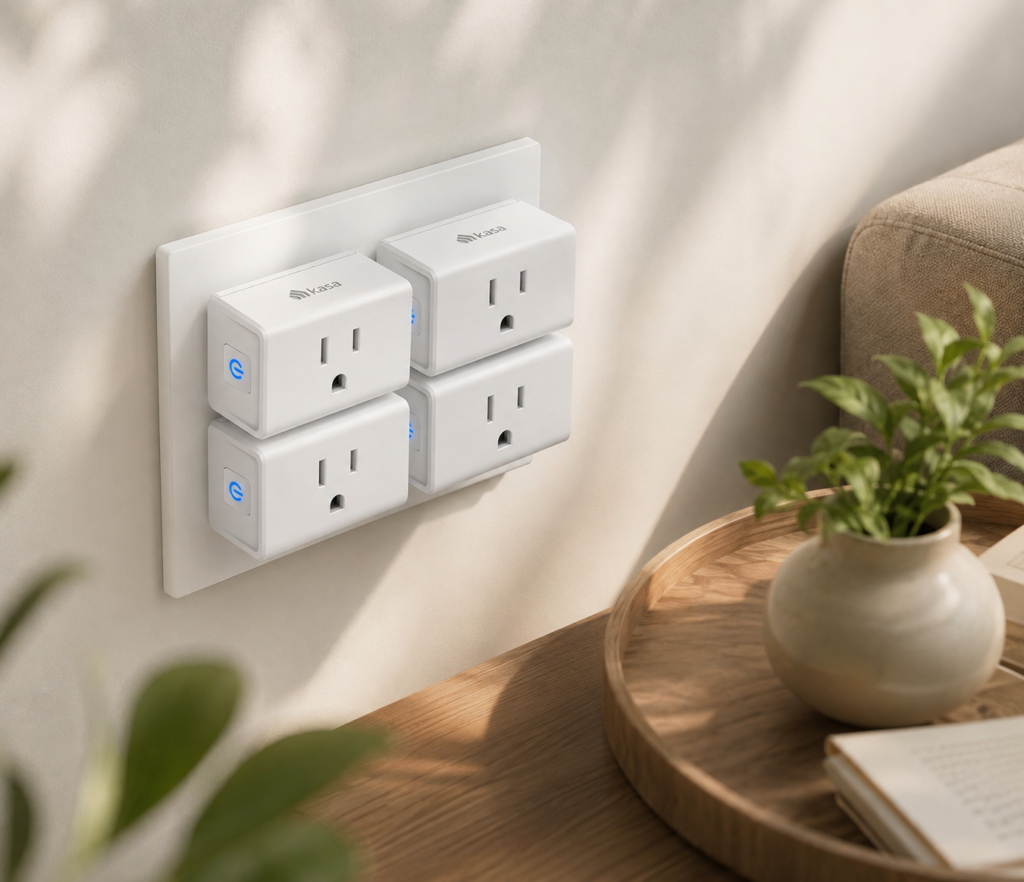
1. TP-Link Kasa Smart Plug Mini — Best Overall
⭐⭐⭐⭐⭐ 4.5/5
The TP-Link Kasa Smart Plug Mini is a strong starting point for anyone who wants simple home automation without a complicated installation process.
Its compact design makes it suitable for lamps, fans, chargers, and other everyday devices. The Kasa ecosystem also gives you access to scheduling and remote control through the companion app.
Why We Like It
- Compact design
- Easy app-based control
- Works with popular voice assistants
- Scheduling and timers
- No separate hub required
- Good option for beginners
Best For
Most households starting with smart plugs.
Ideal Uses
- Table lamps
- Floor lamps
- Fans
- Decorative lighting
- Chargers
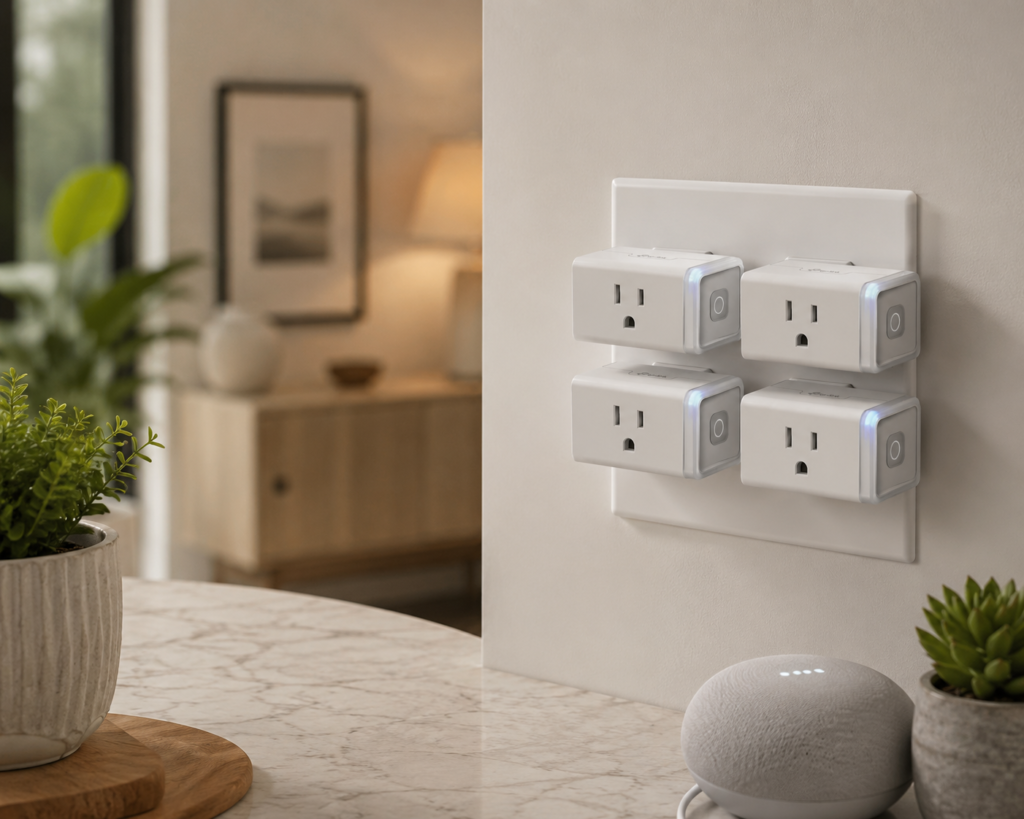
2. Kasa Smart Plug HS103 — Best Budget Option
⭐⭐⭐⭐⭐ 4.6/5
If you simply want to turn an ordinary appliance into a remotely controlled device, the Kasa HS103 keeps things straightforward.
It doesn’t try to overwhelm you with unnecessary features. Instead, it focuses on the basics: app control, scheduling, and voice commands.
Why We Like It
- Affordable
- Simple setup
- App control
- Scheduling
- Voice control
- Beginner-friendly
Best For
Budget-conscious shoppers and first-time smart-home users.
Consider Before Buying
If you want to track electricity consumption, choose a model with energy monitoring instead.
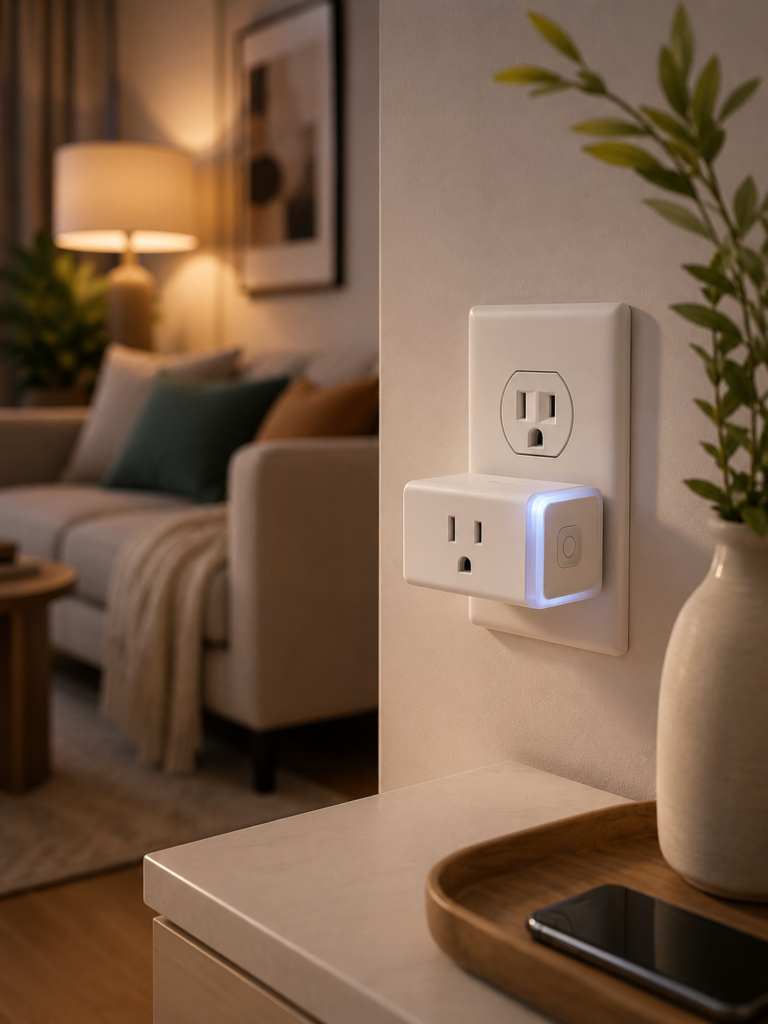
3. Kasa Smart Plug KP115 — Best for Energy Monitoring
⭐⭐⭐⭐⭐ 4.5/5
If you want your smart plug to do more than turn appliances on and off, the Kasa KP115 is worth considering.
Its energy-monitoring capabilities can help you understand how much electricity a connected appliance is consuming.
Why We Like It
- Energy monitoring
- Remote control
- Scheduling
- Voice assistant compatibility
- Useful app features
- No dedicated hub required
Best For
Homeowners who want greater visibility into energy consumption.
Ideal Uses
Try it with devices such as:
- Lamps
- Fans
- Small appliances
- Entertainment equipment
- Office equipment
Editor’s Tip: Energy monitoring can provide useful information, but smart plugs should not be treated as precision electricity meters unless the manufacturer specifically states that they are suitable for that purpose.
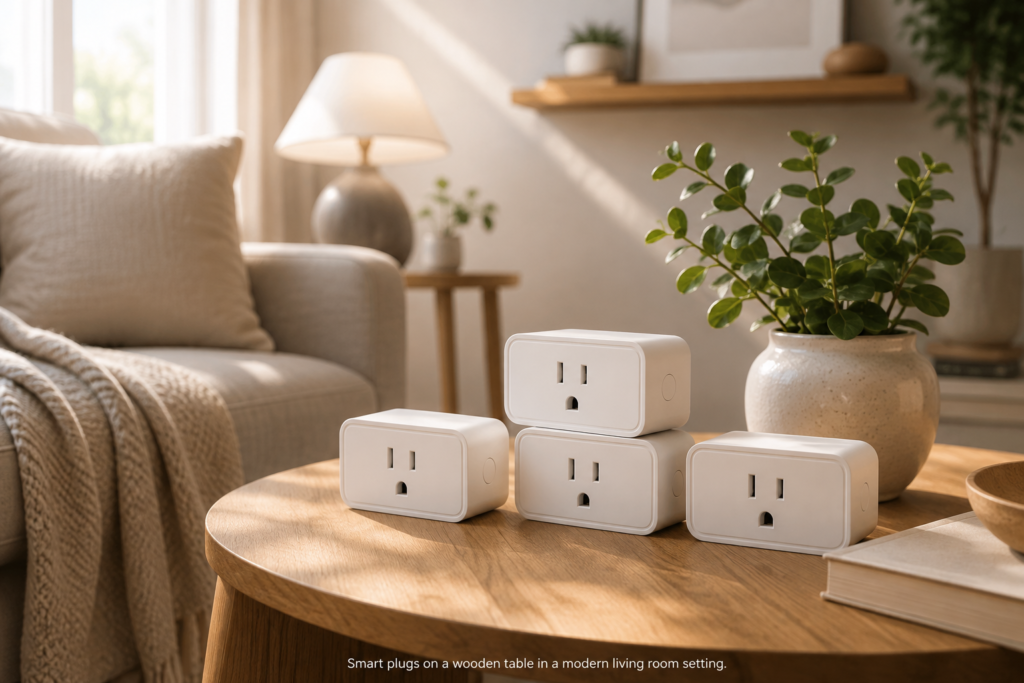
4. Amazon Smart Plug — Best for Alexa Homes
⭐⭐⭐⭐☆ 4.4/5
If your home already uses Alexa and Echo devices, the Amazon Smart Plug offers a straightforward way to expand your smart-home setup.
It is designed around the Alexa ecosystem, making it particularly convenient for people who want to control appliances using existing Echo speakers.
Why We Like It
- Simple Alexa integration
- Easy setup
- Scheduling
- Remote control
- No separate smart-home hub for basic use
- Good for Alexa routines
Best For
Households already invested in Amazon Alexa.
Ideal Uses
Create routines such as:
“Alexa, good morning” → Turn on the coffee maker-compatible device and living-room lamp.
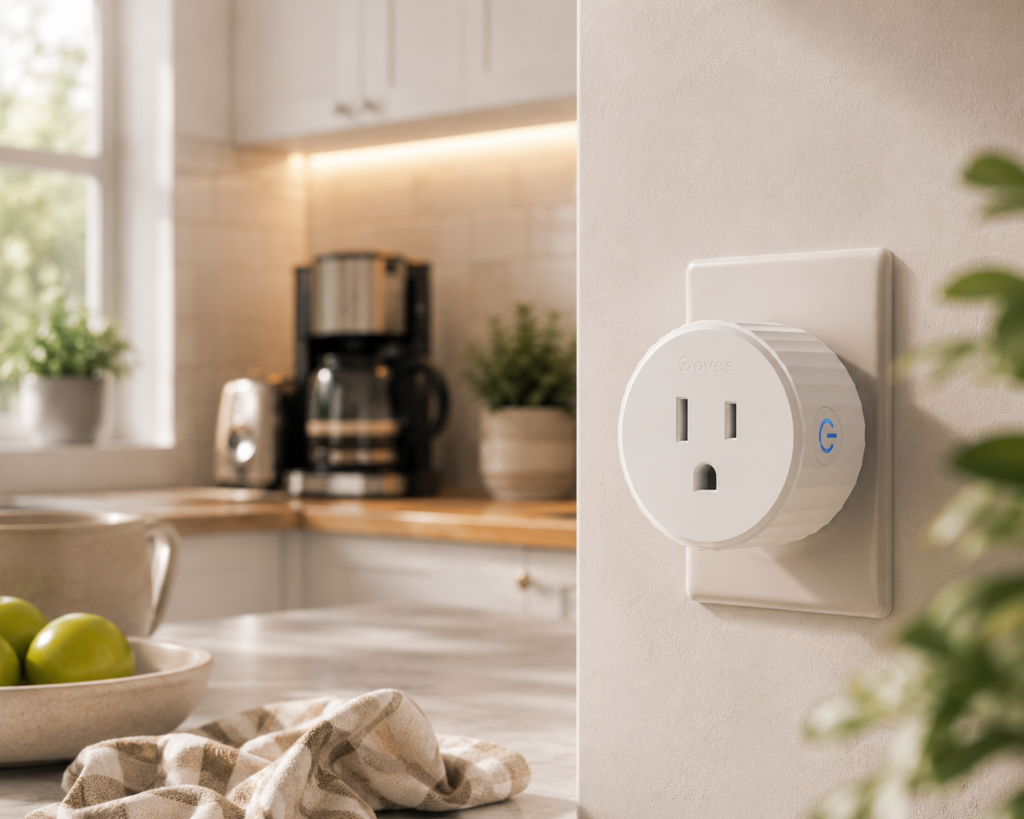
5. Govee Smart Plug — Best for Automation Routines
⭐⭐⭐⭐⭐ 4.5/5
Govee has become popular among smart-home shoppers looking for affordable connected devices.
Its smart plugs can be useful when you want to create schedules and routines around everyday appliances.
Why We Like It
- Affordable
- App control
- Scheduling
- Voice assistant compatibility
- Useful automation features
- Good for expanding an existing Govee setup
Best For
People building affordable home-automation routines.
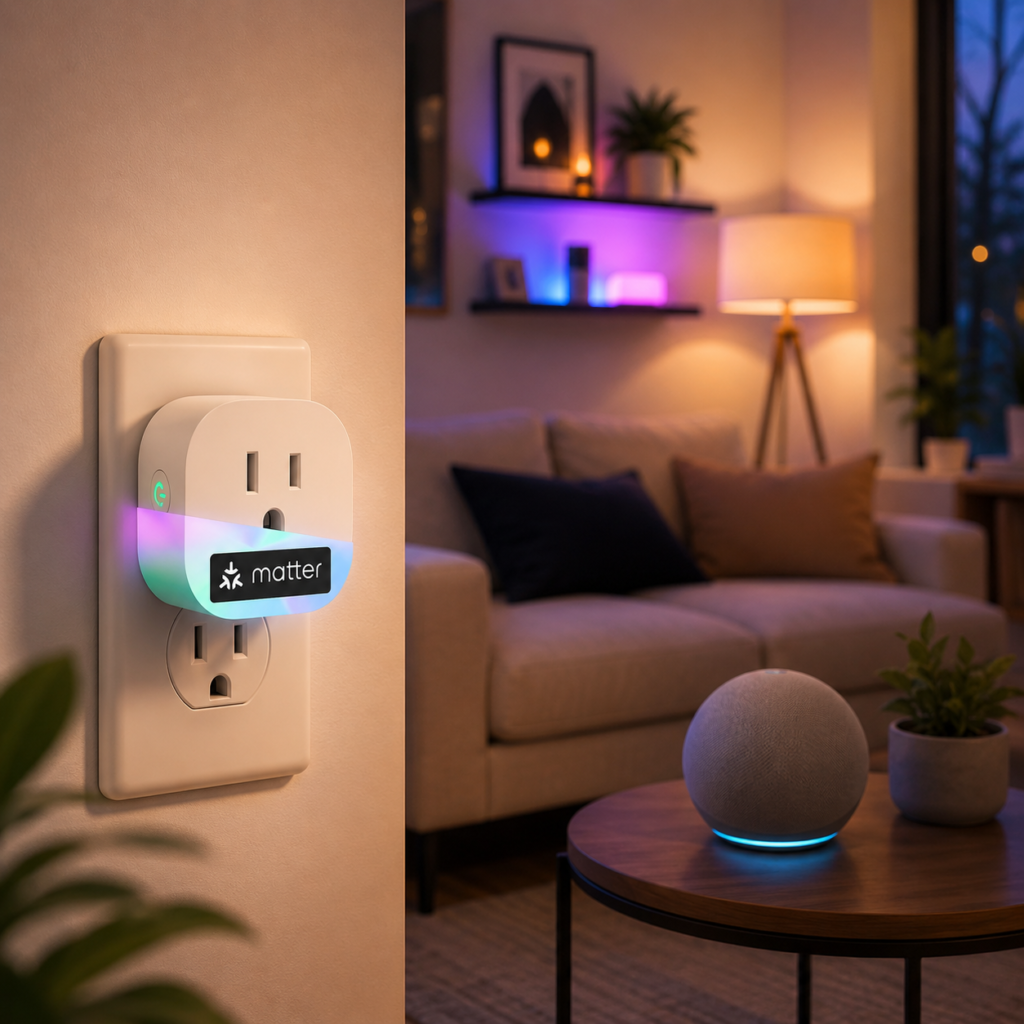
6. Meross Smart Plug Mini — Best for Apple Home
⭐⭐⭐⭐☆ 4.2/5
The Meross Smart Plug Mini is a strong choice for households that want broader ecosystem compatibility, particularly Apple Home.
Depending on the specific model and region, Meross offers compatibility with platforms including Apple Home, Alexa, and Google Home.
Why We Like It
- Compact
- Broad ecosystem support
- App control
- Scheduling
- Voice control
- Good value
Best For
Apple Home users who want an affordable smart plug.
Consider Before Buying
Check the exact model number before ordering because compatibility can vary between versions.
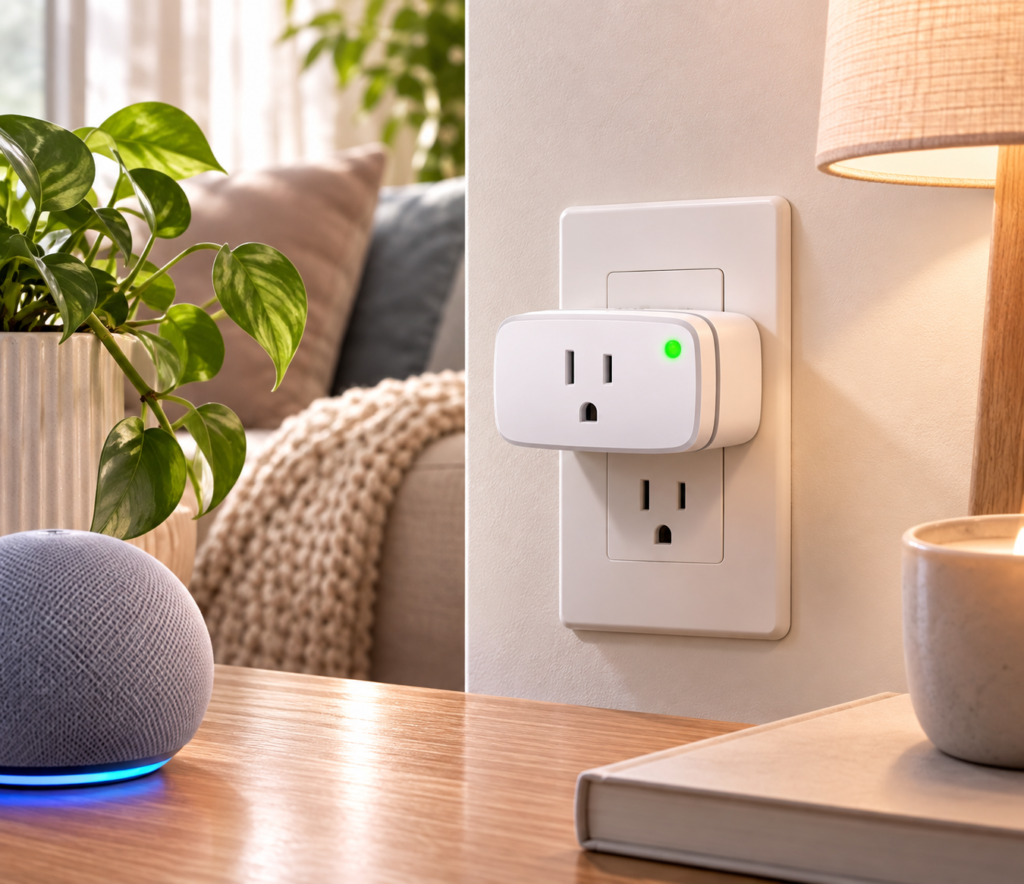
7. Eve Energy — Best Apple Home Energy Monitor
⭐⭐⭐⭐☆ 4.2/5
If you’re heavily invested in Apple Home and want energy monitoring, the Eve Energy is a particularly interesting option.
It combines smart-plug functionality with energy monitoring and Thread connectivity on compatible versions.
Why We Like It
- Energy monitoring
- Apple Home integration
- Thread support
- Strong privacy-focused approach
- Compact design
- Useful automation options
Best For
Apple users who want energy information and advanced smart-home connectivity.
Consider Before Buying
Thread-based smart-home devices require compatible network infrastructure for some features. Check your existing Apple Home setup before purchasing.
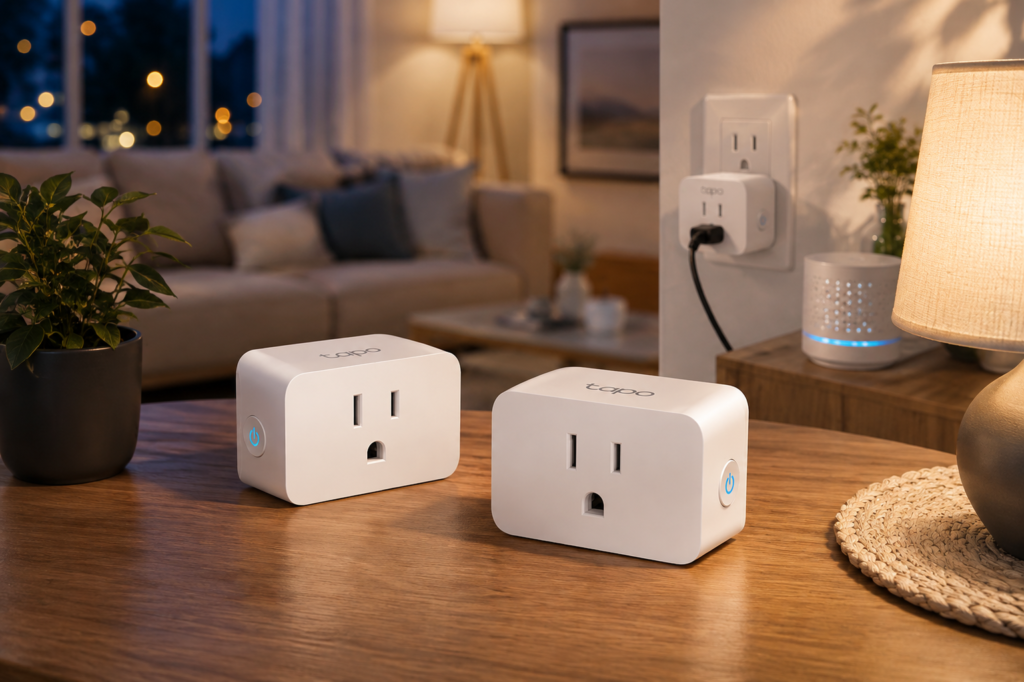
8. Tapo P125M — Best Matter-Compatible Option
⭐⭐⭐⭐⭐ 4.5/5
Matter is designed to make smart-home devices easier to use across different platforms.
The Tapo P125M is an appealing option if you want a smart plug that can participate in a Matter-based smart-home setup.
Why We Like It
- Matter support
- Compact design
- Scheduling
- Voice control
- Multi-platform compatibility
- No proprietary hub for basic Matter operation
Best For
Households using multiple smart-home platforms or building around Matter.
Consider Before Buying
Matter compatibility does not mean every feature is identical across every platform. Check which features are supported by your chosen smart-home ecosystem.
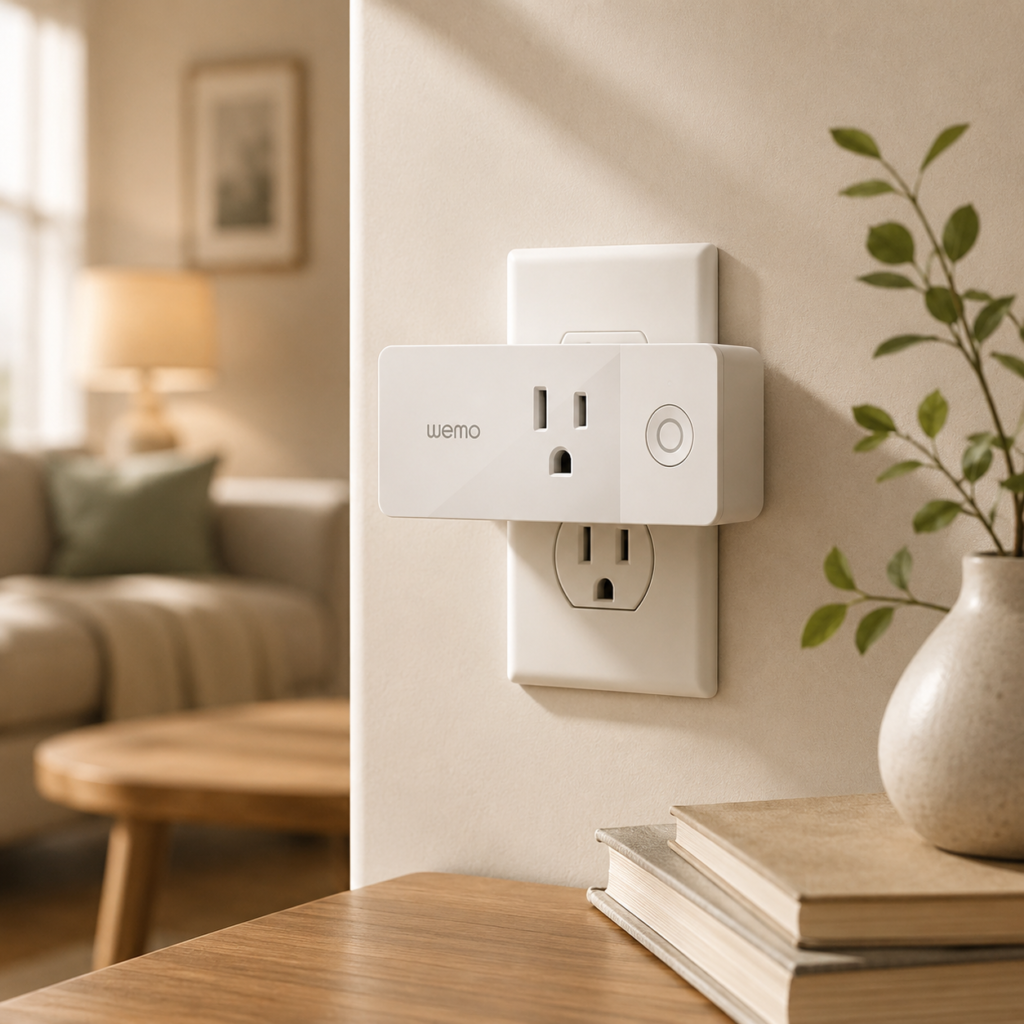
9. Belkin-Wemo Mini Smart Plug — Best Simple Automation
⭐⭐⭐⭐ 4/5
The Wemo Mini is designed for everyday smart-home control without requiring you to replace your existing appliances.
It can be useful for simple schedules and voice-controlled routines.
Why We Like It
- Compact form
- Remote control
- Scheduling
- Voice control
- Good for everyday automation
Best For
Simple smart-home routines and connected lighting.
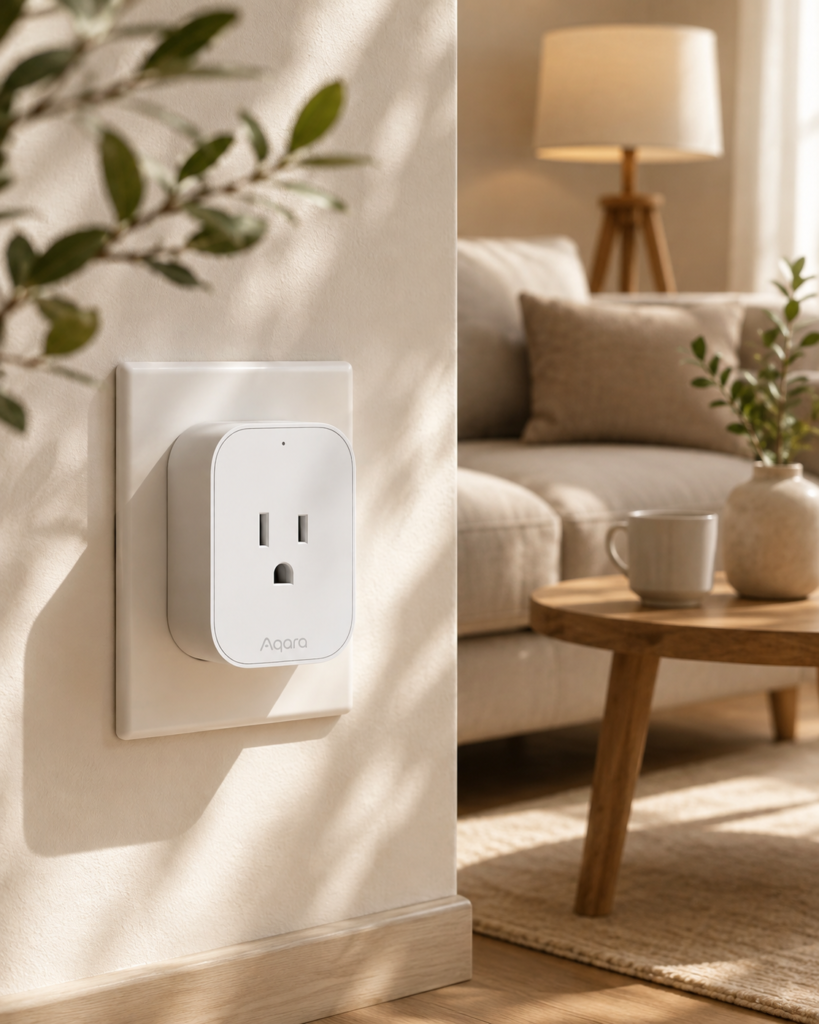
10. Aqara Smart Plug — Best for Advanced Smart Homes
⭐⭐⭐⭐⭐ 4.5/5
For shoppers building a more advanced smart-home system, an Aqara smart plug can be an interesting choice.
Aqara products are particularly useful when combined with other compatible sensors and automation devices.
Why We Like It
- Advanced automation possibilities
- Compact design
- Smart-home ecosystem integration
- Scheduling
- Useful for sensor-based routines
Best For
Enthusiasts building a more sophisticated smart home.
Consider Before Buying
Some Aqara devices require an Aqara hub or compatible ecosystem infrastructure. Confirm the requirements for your specific model.
What Can You Use a Smart Plug For?
One of the biggest advantages of smart plugs is their versatility.
1. Automate Lamps
Connect a standard lamp and schedule it to turn on automatically in the evening.
2. Control Fans
Use a smart plug to schedule compatible fans or control them remotely.
3. Create a Morning Routine
You can combine smart plugs with other devices to create a simple morning routine.
For example:
7:00 AM → Bedroom lamp ON
7:05 AM → Kitchen light ON
7:10 AM → Smart speaker starts your morning playlist
4. Automate Holiday Lighting
Smart plugs are particularly useful for decorative and seasonal lighting.
Create a schedule so lights turn on at sunset and switch off later automatically.
5. Control Entertainment Devices
A smart plug can sometimes be used with compatible entertainment equipment to control its power.
However, check the manufacturer’s instructions first because some electronics should not be repeatedly disconnected from power.
How to Choose the Best Smart Plug
Step 1: Check Your Smart-Home Ecosystem
Before buying anything, determine which platform you already use.
Amazon Alexa
Look for:
“Works with Alexa”
Google Home
Look for:
Google Home compatibility
Apple Home
Look for:
Apple Home / HomeKit compatibility
Matter
If you want greater platform flexibility, consider:
Matter-compatible smart plugs
Choosing the right ecosystem first can save you from compatibility problems later.
Step 2: Decide Whether You Need Energy Monitoring
Energy monitoring is one of the most useful premium features.
A compatible smart plug can provide information about the electricity used by the connected device.
This can help you:
- Identify energy-hungry devices
- Compare usage
- Track appliance consumption
- Understand your home’s electricity habits
If you only want remote control, you can save money by choosing a basic model without energy monitoring.
Step 3: Check the Electrical Rating
This is extremely important.
Every smart plug has a maximum electrical load.
Before connecting an appliance, check:
- Voltage
- Amperage
- Wattage
- Appliance type
- Manufacturer’s instructions
Never exceed the smart plug’s rated capacity.
For high-power appliances such as heaters, air conditioners, ovens, or other heavy electrical loads, use only a smart plug specifically rated and approved for that application.
Step 4: Consider Plug Size
A smart plug shouldn’t block the neighboring outlet unnecessarily.
This is particularly important if you have:
- Double wall outlets
- Power strips
- Tight spaces
- Furniture positioned close to outlets
A compact design can make a significant difference.
Step 5: Check Whether You Need a Hub
Some smart plugs connect directly to Wi-Fi.
Others use protocols such as:
- Zigbee
- Thread
- Z-Wave
These may require compatible hubs, controllers, or border routers depending on the setup.
For Beginners
A Wi-Fi smart plug is usually the simplest starting point.
For Advanced Smart Homes
Thread or Zigbee devices can be attractive if you already have compatible infrastructure.
Step 6: Look for Scheduling
Scheduling is one of the simplest and most useful smart-plug features.
For example:
Lamp → ON at 6:30 PM
Lamp → OFF at 11:30 PM
This lets you automate everyday tasks without manually controlling the device.
Step 7: Check Away Mode
Some smart plugs offer random or away-mode scheduling.
This can make lights turn on and off at varying times while you’re away.
It can be useful for creating the appearance that someone is home.
Step 8: Consider Voice Control
Voice control is especially convenient when your hands are busy.
You can say commands such as:
“Turn off the living room lamp.”
“Turn on the bedroom fan.”
“Turn off the coffee maker.”
Always make sure the connected appliance is suitable for remote operation.
Step 9: Check App Quality
The smart plug’s app becomes an important part of the experience.
Look for:
- Simple device setup
- Clear scheduling
- Reliable notifications
- Easy device grouping
- Automation options
- Energy reports if supported
A smart plug with excellent hardware but a frustrating app can still be annoying to use.
Step 10: Think About Your Future Smart Home
Don’t only think about what you need today.
If you plan to add:
- Smart bulbs
- Motion sensors
- Door sensors
- Smart locks
- Cameras
- Thermostats
- Smart switches
it can make sense to choose an ecosystem that supports your long-term plans.
How to Set Up a Smart Plug
Most Wi-Fi smart plugs can be installed in a few simple steps.
Step 1: Plug It Into the Wall
Connect the smart plug to an appropriate electrical outlet.
Step 2: Download the App
Install the manufacturer’s official app.
Step 3: Add the Device
Open the app and select the option to add a new device.
Step 4: Connect to Wi-Fi
Follow the setup instructions to connect the plug to your network.
Step 5: Name the Plug
Use a clear name such as:
Living Room Lamp
instead of something generic like:
Smart Plug 1
This makes voice commands much easier.
Step 6: Connect Your Voice Assistant
If supported, connect the smart plug to:
- Alexa
- Google Home
- Apple Home
- Matter
Step 7: Create a Schedule
Set your first automation.
For example:
Living Room Lamp → ON at sunset
Living Room Lamp → OFF at 11:00 PM
Smart Plug Automation Ideas
Once you have your first smart plug working, you can build more useful routines.
Sunset Lighting
At sunset → Turn on living room lamps.
Bedtime
At 11 PM → Turn off selected lights and appliances.
Morning Routine
At 7 AM → Turn on a bedroom lamp.
Work From Home
At 8 AM → Turn on your desk lamp.
Evening Entertainment
At 7 PM → Turn on compatible entertainment equipment.
Holiday Lighting
At sunset → Turn on decorative lights.
At midnight → Turn them off.
Smart Plugs vs. Smart Bulbs
Smart plugs and smart bulbs solve different problems.
| Feature | Smart Plug | Smart Bulb |
|---|---|---|
| Automates existing lamp | Yes | Requires bulb replacement |
| Controls power | Yes | Yes |
| Dimming | Usually No | Usually |
| Change color | No | Some models |
| Works with ordinary appliance | Often | No |
| Easy installation | Yes | Yes |
| Best for lamps | Excellent | Excellent |
| Best for appliances | Excellent | No |
Choose a Smart Plug If:
You want to automate an existing appliance or lamp.
Choose a Smart Bulb If:
You want brightness, color, or advanced lighting effects.
Common Smart Plug Mistakes to Avoid
Mistake 1: Ignoring the Electrical Rating
Never connect an appliance that exceeds the smart plug’s rating.
Mistake 2: Buying Without Checking Compatibility
A smart plug isn’t useful if it doesn’t work with your preferred ecosystem.
Mistake 3: Forgetting About Hub Requirements
Check whether the plug requires a hub, bridge, border router, or controller.
Mistake 4: Choosing the Cheapest Option Automatically
Price matters, but reliability, app quality, security, and compatibility can matter more.
Mistake 5: Blocking the Second Outlet
Large smart plugs can make neighboring outlets difficult to use.
Mistake 6: Automating Appliances That Shouldn’t Be Remotely Powered
Some appliances are not designed to be switched on remotely. Check the manufacturer’s instructions before automating them.
Frequently Asked Questions
What is the best smart plug for home automation?
The TP-Link Kasa Smart Plug Mini is an excellent overall option for beginners because it combines straightforward setup, app control, scheduling, and popular voice-assistant compatibility.
Do smart plugs use a lot of electricity?
Smart plugs consume a small amount of electricity themselves because they remain connected and communicate with your network. The exact amount varies by model.
Can a smart plug save electricity?
A smart plug can help reduce unnecessary usage by automatically switching compatible devices off according to a schedule. Models with energy monitoring can also help you understand where electricity is being used.
Do smart plugs work without Wi-Fi?
Some smart plugs use alternative protocols such as Zigbee or Thread, but their requirements vary. Many basic Wi-Fi smart plugs rely on Wi-Fi for remote control and cloud-based features.
Can I control a smart plug when I’m away from home?
Many Wi-Fi smart plugs allow remote control through their apps as long as the plug and your phone have the required internet connectivity.
Are smart plugs safe?
Smart plugs can be safe when used according to the manufacturer’s instructions and within their electrical ratings. Never exceed the maximum load.
Can I use a smart plug with a coffee maker?
It depends on the coffee maker. Some models can automatically start when power is restored, while others require a physical button press. Check the appliance manufacturer’s instructions before using a smart plug for this purpose.
Do smart plugs work with Alexa and Google Home?
Many models support both Alexa and Google Home, but compatibility varies. Always check the exact model before buying.
What is Matter?
Matter is a smart-home connectivity standard designed to improve compatibility between supported devices and smart-home platforms. A Matter-compatible smart plug can be particularly useful if you want flexibility when choosing your smart-home ecosystem.
Final Verdict
The best smart plugs for easy home automation don’t need to be complicated.
For most beginners, the TP-Link Kasa Smart Plug Mini offers a strong balance of simplicity, useful features, and affordability. If you’re focused on energy consumption, choose a model such as the Kasa KP115 or another smart plug with verified energy-monitoring capabilities.
Apple users may prefer Meross or Eve, while households building around Matter can consider the Tapo P125M. For advanced smart-home setups, an Aqara option can provide additional automation possibilities.
Before buying, focus on five things:
Compatibility → Electrical rating → Connectivity → Features → Price
Once you’ve chosen the right smart plug, start with one simple automation—such as scheduling a lamp—and expand your system gradually.
The goal isn’t to automate everything. It’s to automate the small everyday tasks that make your home easier to manage.
Smart Plug Buying Checklist
- Choose your preferred smart-home ecosystem
- Check Alexa, Google Home, Apple Home, or Matter compatibility
- Check the maximum electrical load
- Decide whether you need energy monitoring
- Check whether a hub is required
- Compare Wi-Fi, Thread, Zigbee, or other connectivity
- Look for scheduling and timers
- Check voice-control support
- Consider the physical size
- Make sure it doesn’t block the neighboring outlet
- Check the quality of the companion app
- Review privacy and security features
- Consider future smart-home expansion
- Never exceed the manufacturer’s electrical rating
- Verify that the appliance is suitable for smart-plug automation