
Smart light bulbs are one of the easiest ways to make your home more convenient, comfortable, and connected. Unlike traditional bulbs, smart bulbs can be controlled from your phone, scheduled to turn on and off automatically, and integrated with popular smart-home platforms.
Depending on the model, you can also adjust brightness, color temperature, and even millions of colors without changing the bulb itself.
Whether you want gentle lighting for a cozy bedroom, bright illumination for a home office, or colorful lighting for movie nights, there is a smart bulb for almost every room and budget.
However, choosing the right bulb isn’t simply about picking the brightest or most colorful option. You also need to consider bulb size, brightness, color quality, connectivity, smart-home compatibility, hub requirements, energy efficiency, and long-term cost.
In this guide, we’ll compare some of the best smart light bulbs for different needs and explain exactly what to look for before buying.
Our Top Picks
Best Overall: Philips Hue White & Color Ambiance
Best Budget: Govee Smart LED Bulb
Best Value: TP-Link Tapo L535
Best for Apple Home: Nanoleaf Essentials
Best Color Quality: LIFX Color Bulb
Best Beginner Option: Kasa Smart Wi-Fi Bulb
Best for Advanced Automation: Aqara LED Bulb T1
Best Apple-Friendly Value: Meross Smart LED Bulb
Comparison Table: Best Smart Light Bulbs
| Smart Bulb | Best For | Brightn-ess | White Temperat-ure | Connecti-vity | Hub Required | Voice Control | Dimming |
|---|---|---|---|---|---|---|---|
| Philips Hue White & Color Ambia-nce | Best Overall | High | Adjusta-ble | Zigbee / Bluetooth | Optional | Alexa, Google, Siri | Yes |
| Govee Smart LED Bulb | Best Budget Color Bulb | High | Adjusta-ble | Wi-Fi / Bluetooth | No | Alexa, Google | Yes |
| TP-Link Tapo L535 | Best Value | High | Adjusta-ble | Wi-Fi | No | Alexa, Google | Yes |
| Nanoleaf Essentials | Best for Apple Home | High | Adjusta-ble | Thread / Bluetooth | No | Alexa, Google, Siri | Yes |
| Wyze Bulb Color | Best Affordable Smart Bulb | Medium-High | Adjusta-ble | Wi-Fi | No | Alexa, Google | Yes |
| LIFX Color Bulb | Best Color Quality | High | Adjusta-ble | Wi-Fi | No | Alexa, Google, Siri | Yes |
| Sengled Smart LED Bulb | Best Simple Setup | Medium | Adjusta-ble | Wi-Fi / Bluetooth | No | Alexa, Google | Yes |
| Aqara LED Bulb T2 | Best Smart-Home Automat-ion | High | Adjusta-ble | Zigbee | Yes | Alexa, Google, Siri | Yes |
| Meross Smart LED Bulb | Best Apple-Friendly Value | High | Adjusta-ble | Wi-Fi | No | Alexa, Google, Siri | Yes |
| Kasa Smart Wi-Fi Bulb | Best Beginner Option | High | Adjusta-ble | Wi-Fi | No | Alexa, Google | Yes |
Affiliate Disclosure: This post contains affiliate links. We may earn a commission if you make a purchase, at no extra cost to you.
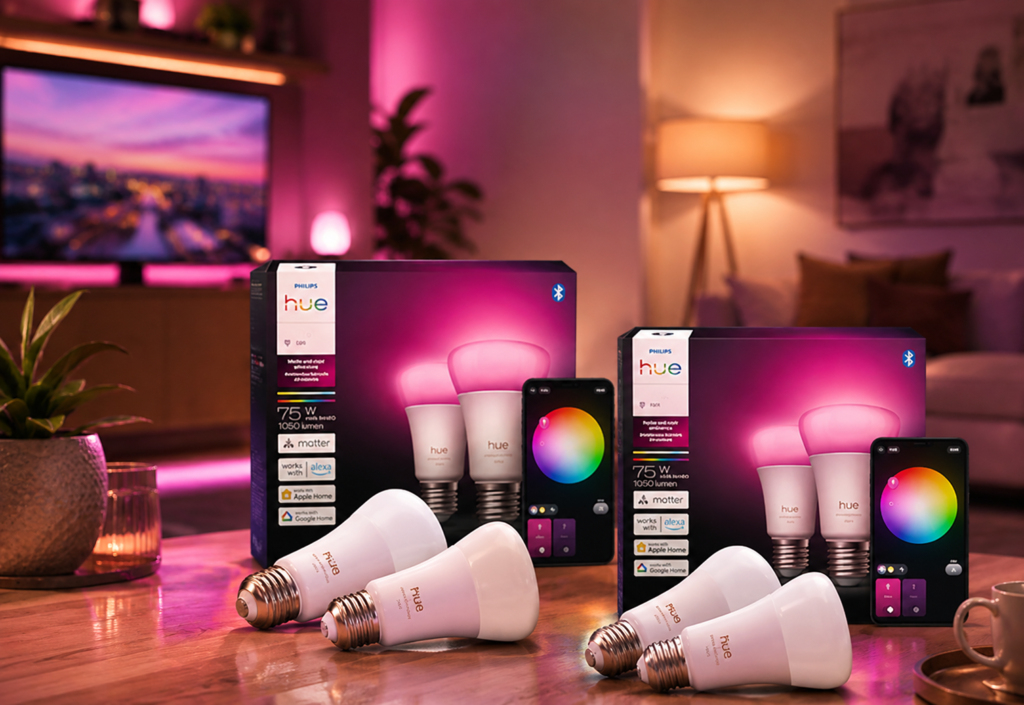
1. Philips Hue White & Color Ambiance — Best Overall
⭐⭐⭐⭐⭐ 4.8/5
The Philips Hue White & Color Ambiance range remains one of the most established choices for premium smart lighting.
Hue offers a mature ecosystem with a wide variety of bulbs, lamps, switches, sensors, and other lighting accessories.
Why We Like It
- Excellent smart-lighting ecosystem
- Adjustable white light
- Extensive color options
- Reliable automation
- Strong app experience
- Wide range of compatible accessories
- Excellent multi-room capabilities
Best For
Homeowners who want to build a complete smart-lighting system.
Ideal Uses
- Living rooms
- Bedrooms
- Home theaters
- Gaming rooms
- Dining areas
Consider Before Buying
Some Hue setups benefit from the Hue Bridge, which adds to the initial cost but can provide additional features and scalability.
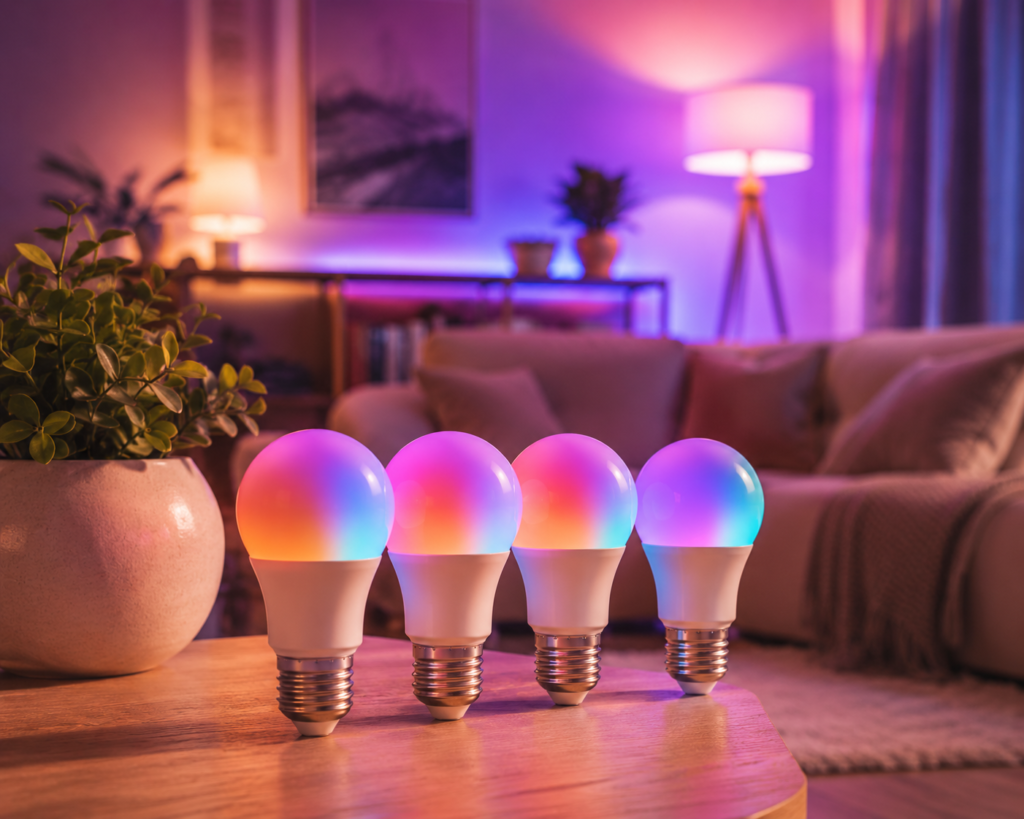
2. Govee Smart LED Bulb — Best Budget Color Bulb
⭐⭐⭐⭐⭐ 4.6/5
Govee offers smart bulbs that deliver impressive lighting effects without requiring a premium investment.
They are particularly attractive if you want colorful lighting for entertainment, gaming, or decorative purposes.
Why We Like It
- Affordable
- Color-changing capabilities
- Adjustable brightness
- App control
- Voice-assistant compatibility
- Useful lighting scenes
Best For
Budget-conscious shoppers who want colorful smart lighting.
Ideal Uses
- Gaming rooms
- Bedrooms
- Entertainment spaces
- Accent lighting
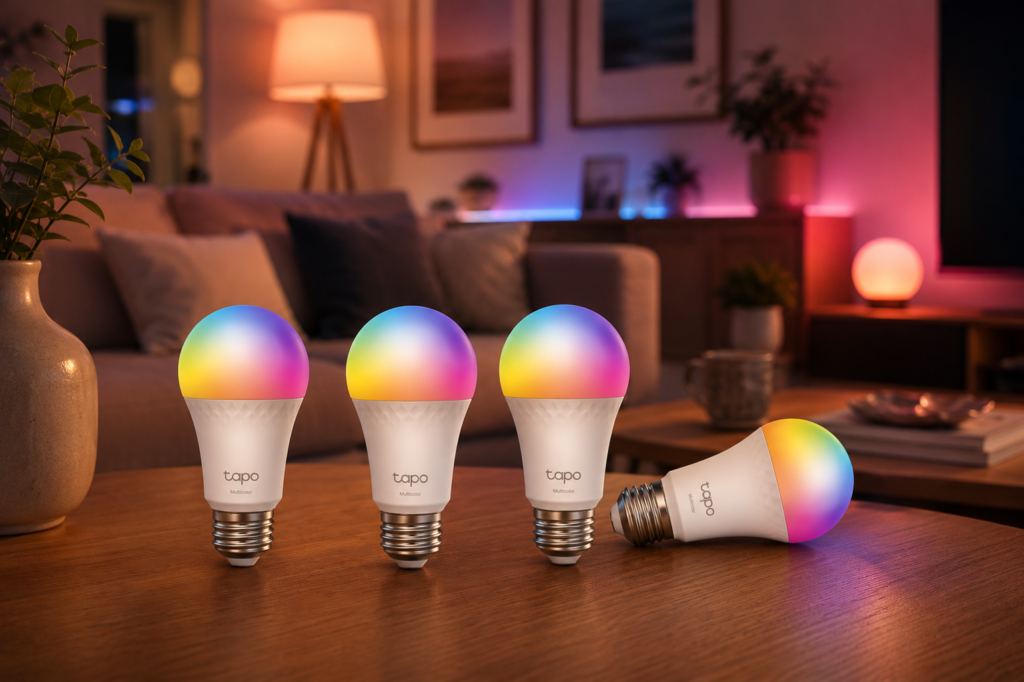
3. TP-Link Tapo L535 — Best Value
⭐⭐⭐⭐☆ 4.3/5
The Tapo L535 is an excellent middle-ground option for shoppers who want advanced smart-lighting features without paying premium ecosystem prices.
It combines adjustable white lighting with color control and app-based automation.
Why We Like It
- Strong value
- Bright output
- Color adjustment
- Adjustable white temperature
- Wi-Fi connectivity
- Voice control
- Scheduling
Best For
Most shoppers looking for a balance between features and price.
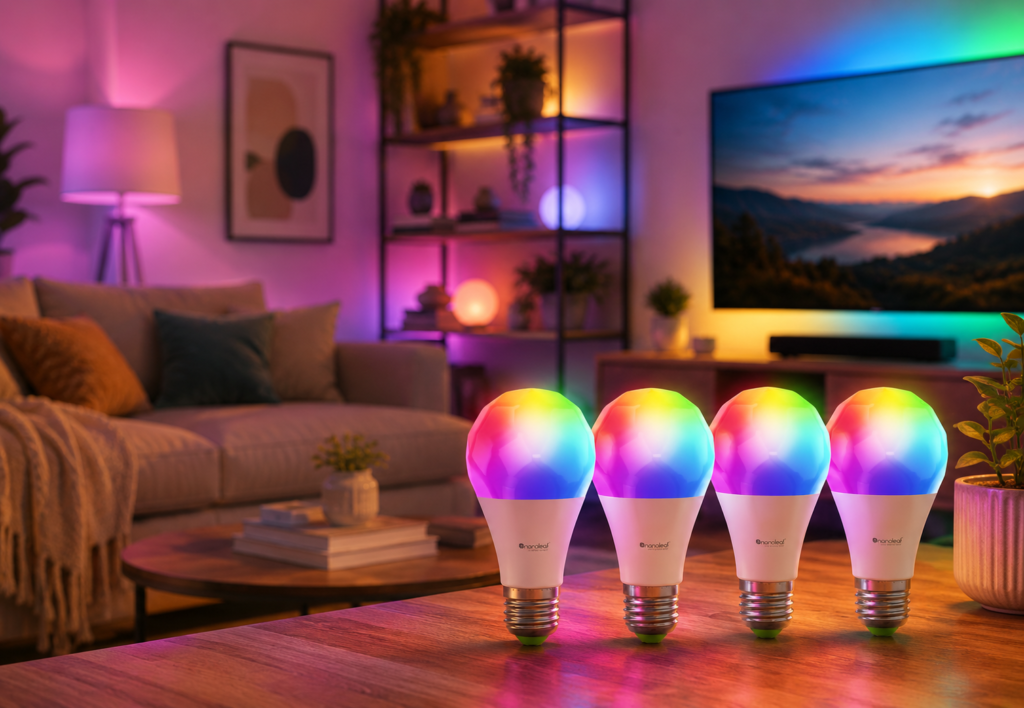
4. Nanoleaf Essentials — Best for Apple Home
⭐⭐⭐⭐☆ 4.2/5
Nanoleaf’s Essentials range is particularly appealing to shoppers who want stylish smart lighting integrated with a modern smart-home ecosystem.
Compatible models support technologies such as Thread, which can provide advantages for supported smart-home setups.
Why We Like It
- Excellent color options
- Adjustable white light
- Modern ecosystem
- Thread support on compatible models
- Apple Home compatibility
- Automation options
Best For
Apple Home users and smart-home enthusiasts.
Consider Before Buying
Check your existing smart-home infrastructure before purchasing Thread-based products.
5. Wyze Bulb Color — Best Affordable Smart Bulb
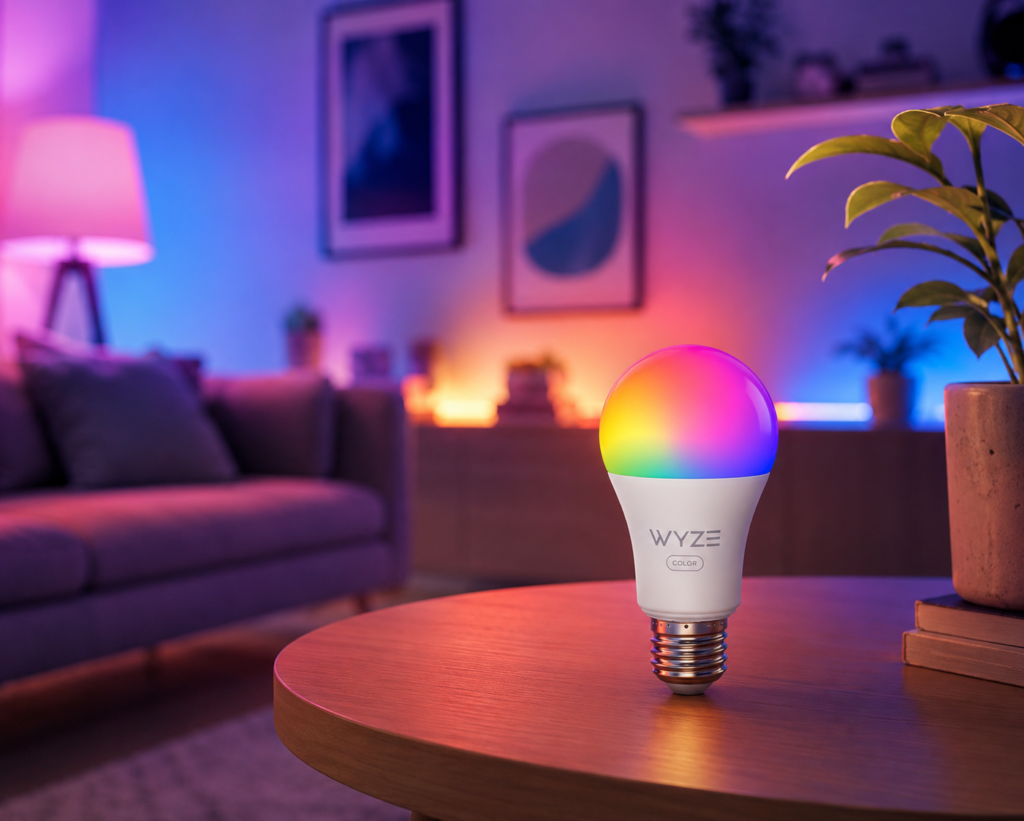
⭐⭐⭐⭐☆ 4.3/5
Wyze offers affordable smart-home products, and its color bulbs are designed to make smart lighting accessible without a large upfront investment.
Why We Like It
- Affordable
- Color control
- Adjustable brightness
- App control
- Voice assistant support
- Scheduling
Best For
Budget-focused smart-home beginners.
6. LIFX Color Bulb — Best Color Quality
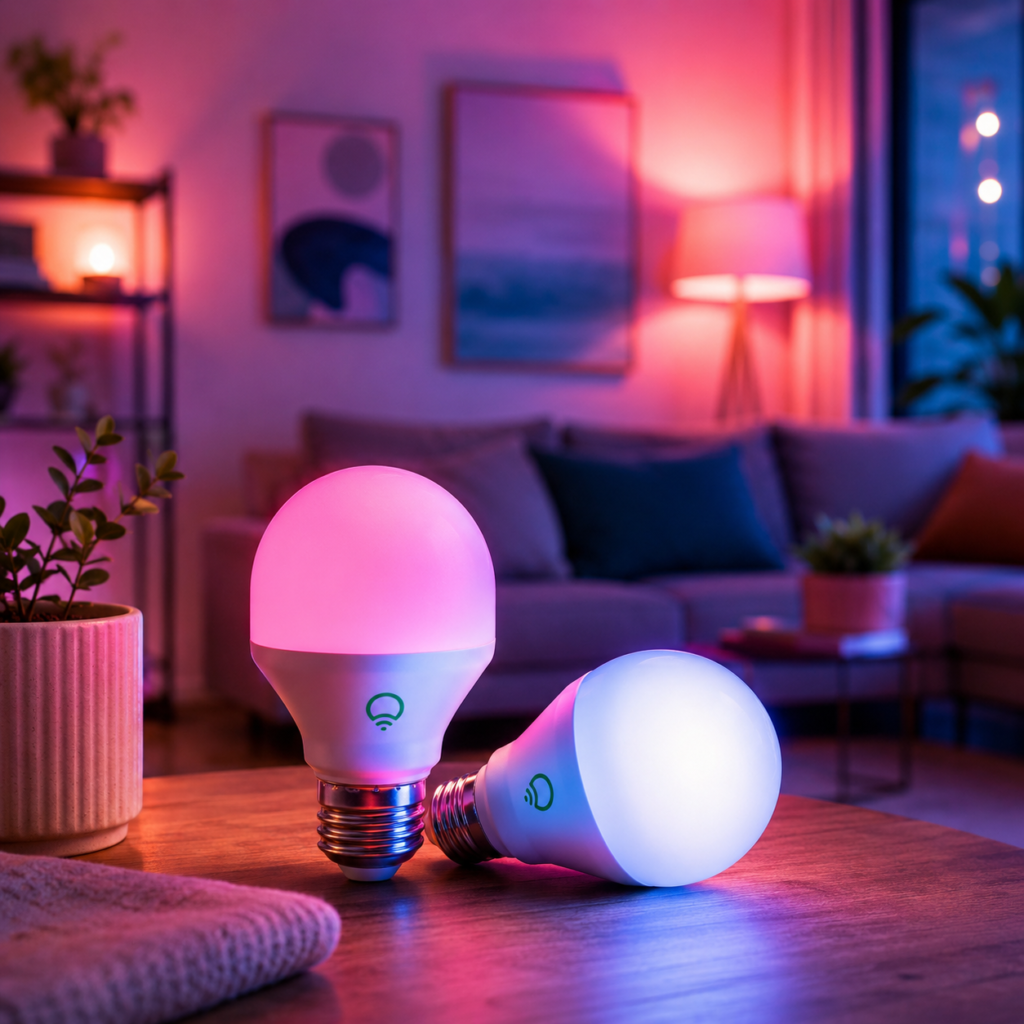
⭐⭐⭐⭐☆ 4.4/5
If color quality is one of your highest priorities, LIFX is worth considering.
LIFX bulbs are designed to produce vibrant colors and strong lighting performance without necessarily requiring a separate hub.
Why We Like It
- Excellent color performance
- High brightness
- No dedicated hub required
- Wi-Fi connectivity
- Strong app control
- Large range of colors
Best For
Shoppers who care about vibrant, high-quality colored lighting.
7. Sengled Smart LED Bulb — Best Simple Setup
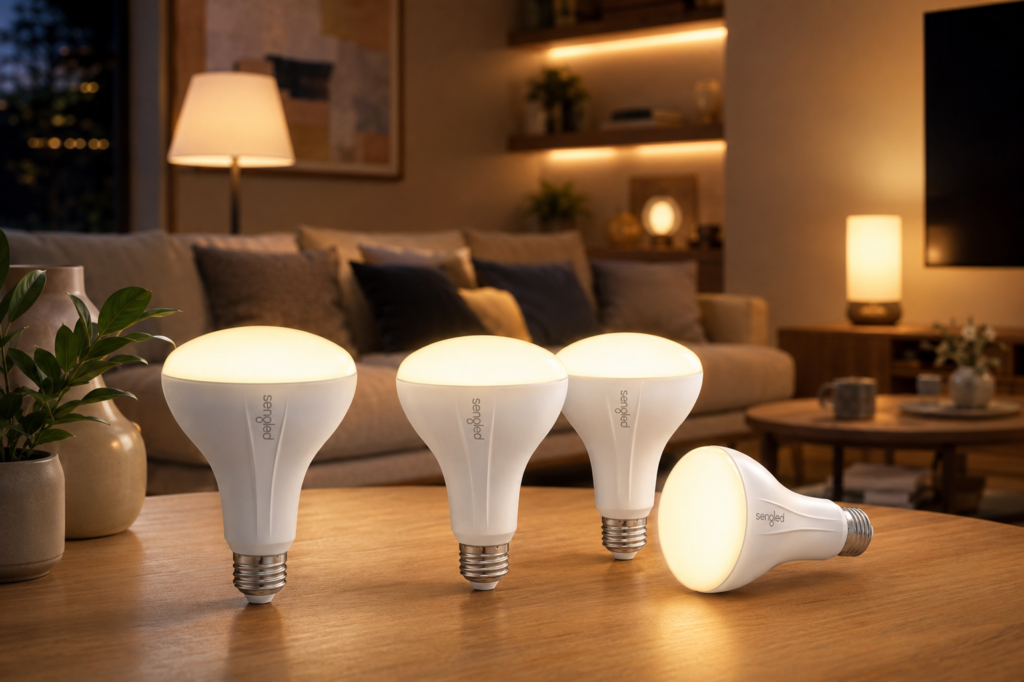
⭐⭐⭐⭐ 4/5
Sengled offers a variety of smart bulbs designed for everyday home use.
Depending on the model, connectivity options and smart-home compatibility can vary, so it’s important to check the exact version before purchasing.
Why We Like It
- Affordable
- Easy to use
- Multiple bulb options
- Voice control
- Scheduling
- Good for expanding smart lighting
Best For
Beginners who want simple smart-lighting upgrades.
8. Aqara LED Bulb T2 — Best for Smart-Home Automation
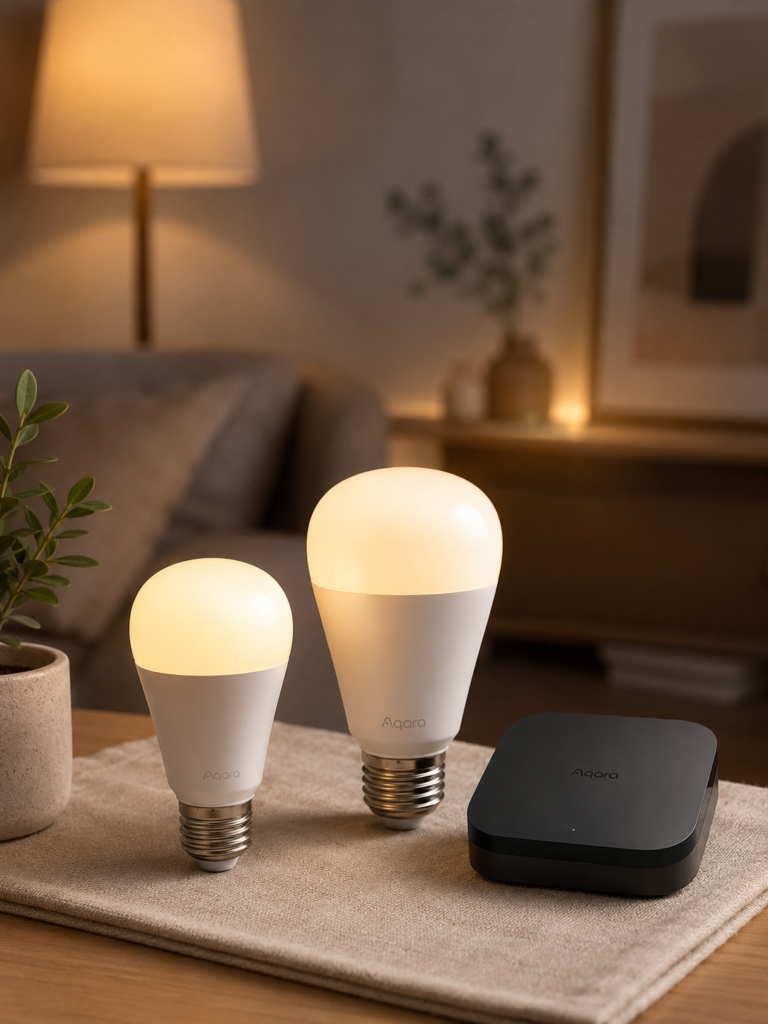
⭐⭐⭐⭐☆ 4.2/5
Aqara is particularly interesting if you’re building a more advanced smart-home system around sensors and automation.
The LED Bulb T2 can work as part of a broader automation setup depending on your ecosystem.
Why We Like It
- Color control
- Adjustable white temperature
- Smart-home automation
- Zigbee connectivity
- Scheduling
- Strong ecosystem integration
Best For
Smart-home enthusiasts building advanced routines.
Consider Before Buying
A compatible hub may be required. Check the exact requirements before purchasing.
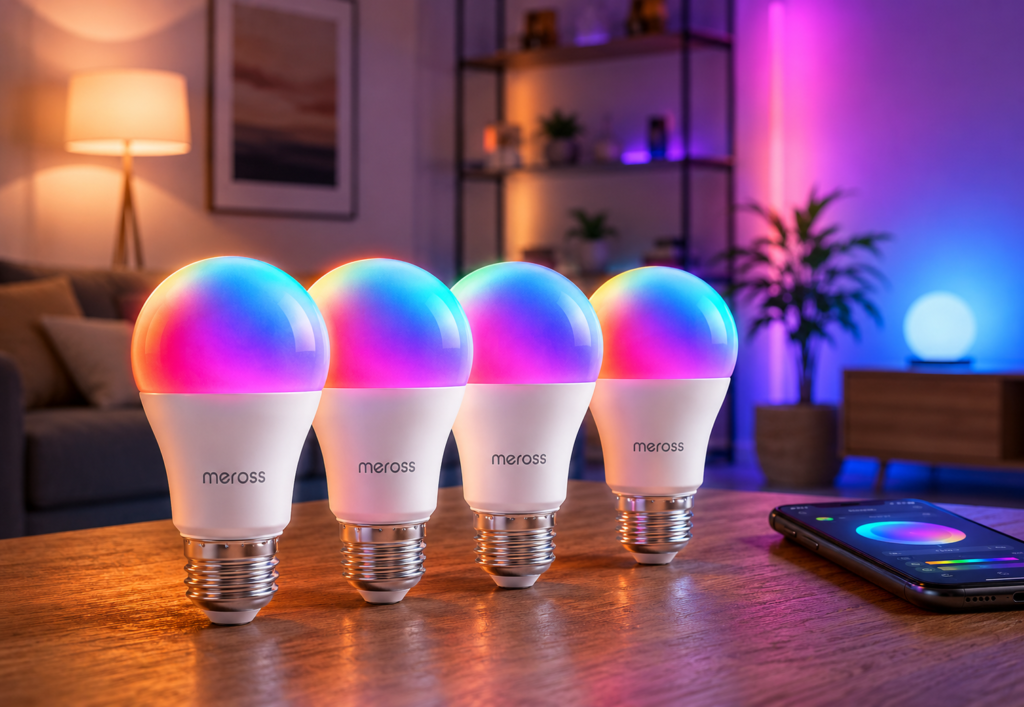
9. Meross Smart LED Bulb — Best Apple-Friendly Value
⭐⭐⭐⭐☆ 4.2/5
Meross offers affordable smart lighting with support for several popular smart-home platforms.
This makes it particularly useful for households that want flexibility without paying premium ecosystem prices.
Why We Like It
- Affordable
- Color control
- Adjustable brightness
- Wi-Fi connectivity
- Apple Home support on compatible models
- Alexa and Google compatibility
Best For
Apple users looking for a more affordable smart bulb.
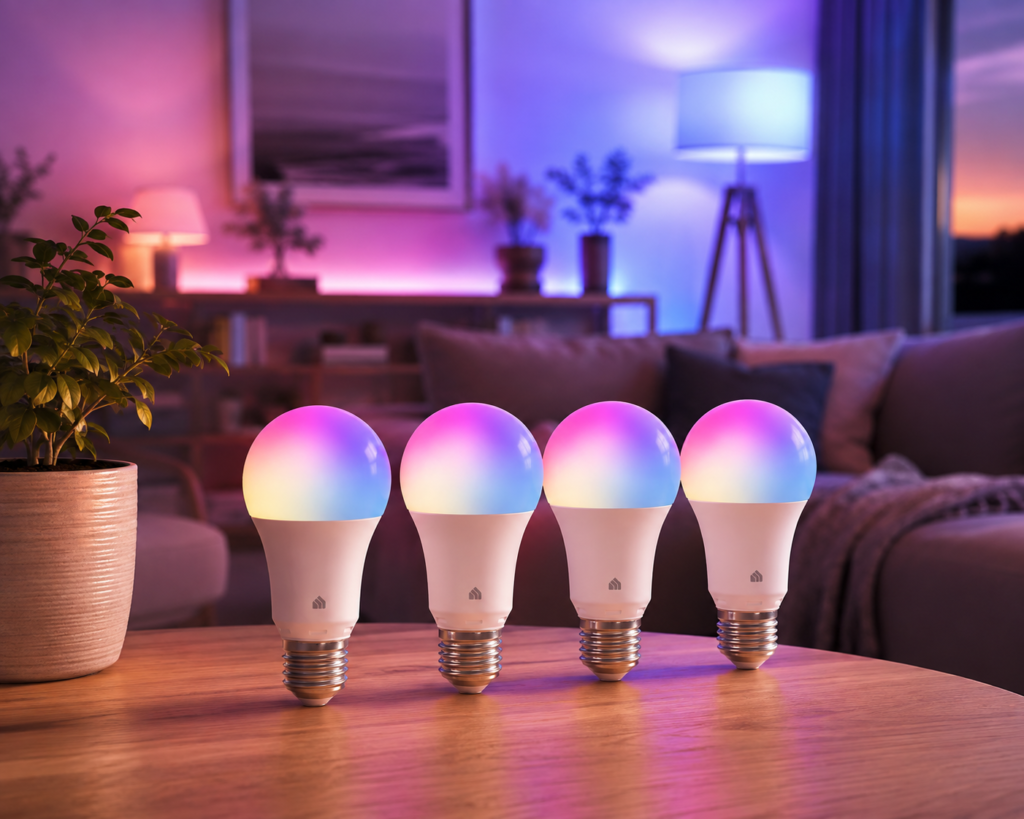
10. Kasa Smart Wi-Fi Bulb — Best Beginner Option
⭐⭐⭐⭐☆ 4.4/5
Kasa smart bulbs are designed around straightforward setup and everyday automation.
They are particularly useful if you already use other Kasa or TP-Link smart-home products.
Why We Like It
- Beginner-friendly
- Easy app control
- Scheduling
- Voice assistant compatibility
- Good value
- No separate hub required on Wi-Fi models
Best For
First-time smart-lighting users.
How to Choose the Best Smart Light Bulb
Choosing a smart bulb becomes much easier when you understand the features that matter.
Step 1: Check the Bulb Size
Before buying, check the bulb’s physical specifications.
Common formats include:
- A19
- A21
- BR30
- GU10
- E26
- E27
The bulb must physically fit your fixture.
Tip
Don’t assume every smart bulb has the same shape or base.
Check your existing bulb before ordering.
Step 2: Choose the Right Brightness
Brightness is usually measured in lumens.
A higher lumen rating generally means more light output.
Around 450 Lumens
Suitable for:
- Accent lighting
- Bedside lamps
- Decorative fixtures
Around 800 Lumens
Good for:
- Bedrooms
- Small living rooms
- Table lamps
1,000+ Lumens
Better for:
- Larger rooms
- Kitchens
- Home offices
- Main lighting
For everyday home lighting, around 800 lumens is a useful starting point, but the ideal brightness depends on the room and fixture.
Step 3: Decide Between White and Color Bulbs
Not everyone needs a color-changing bulb.
White Smart Bulbs
Best if you want:
- Scheduling
- Dimming
- Warm/cool light adjustment
- Simple automation
Color Smart Bulbs
Best if you want:
- Entertainment lighting
- Gaming effects
- Movie-night scenes
- Decorative colors
- Creative lighting
If you don’t care about colors, a white-only smart bulb can save money.
Step 4: Consider Color Temperature
Color temperature is measured in Kelvin (K).
Warm White: 2,200–3,000K
Good for:
- Bedrooms
- Living rooms
- Relaxing evenings
Neutral White: 3,000–4,000K
Good for:
- Kitchens
- Bathrooms
- General-purpose lighting
Cool White: 4,000–6,500K
Useful for:
- Home offices
- Workspaces
- Detailed tasks
Adjustable white bulbs give you the flexibility to change the atmosphere throughout the day.
Step 5: Choose Your Connectivity
Smart bulbs commonly use:
- Wi-Fi
- Bluetooth
- Zigbee
- Thread
Each has advantages.
Wi-Fi
Pros:
- Easy setup
- No hub required for many bulbs
- Works directly with your router
Cons:
- Adds devices to your Wi-Fi network
Bluetooth
Pros:
- Simple
- Doesn’t require Wi-Fi for basic local control
Cons:
- Limited range
- Fewer remote-control capabilities on some models
Zigbee
Pros:
- Designed for smart-home devices
- Efficient
- Good for larger smart-home systems
Cons:
- Usually requires a compatible hub
Thread
Pros:
- Modern smart-home technology
- Low-power
- Designed for connected-home devices
- Useful for supported Matter ecosystems
Cons:
- Requires compatible infrastructure for some features
Step 6: Check Smart-Home Compatibility
Before buying, decide which platform you use.
Amazon Alexa
Look for:
Works with Alexa
Google Home
Look for:
Google Home compatibility
Apple Home
Look for:
Apple Home / HomeKit compatibility
Matter
If you’re building a cross-platform smart home, Matter compatibility may be worth considering.
Step 7: Decide Whether You Need a Hub
Some smart bulbs connect directly to Wi-Fi.
Others require a hub or bridge.
No Hub
Best for:
- Beginners
- Small setups
- Simple automation
Hub-Based
Better for:
- Larger lighting systems
- Advanced automation
- Multiple smart bulbs
- Dedicated smart-home ecosystems
A hub can increase the initial cost, but it may provide more features and better scalability.
Step 8: Look for Dimming
Dimming is one of the most useful smart-bulb features.
Instead of simply choosing:
ON / OFF
you can create:
20% → Relaxing
50% → Everyday
100% → Bright task lighting
This makes smart bulbs particularly useful for bedrooms and living rooms.
Step 9: Consider Energy Efficiency
Most modern smart bulbs use LED technology, which is generally more energy-efficient than traditional incandescent lighting.
However, smart features mean the bulb remains connected to power even when it appears off.
The standby energy consumption is typically small, but it’s still worth considering when installing many smart bulbs throughout your home.
Step 10: Think About Color Rendering
If you use smart bulbs for everyday lighting, don’t focus only on color-changing capabilities.
Look for good color rendering, especially in areas where you need to see colors accurately.
This can be particularly important in:
- Kitchens
- Bathrooms
- Dressing areas
- Home offices
How to Install a Smart Light Bulb
Installing a smart bulb is usually straightforward.
Step 1: Turn Off the Existing Light
Switch off the light and allow the existing bulb to cool.
Step 2: Remove the Old Bulb
Carefully remove the existing bulb.
Step 3: Install the Smart Bulb
Screw the smart bulb into the fixture.
Do not overtighten it.
Step 4: Turn the Power On
Switch the fixture back on.
Step 5: Download the Manufacturer’s App
Install the appropriate smart-home app.
Step 6: Add the Bulb
Follow the app’s pairing instructions.
Step 7: Connect Your Smart Assistant
If supported, connect it to:
- Alexa
- Google Home
- Apple Home
- Matter
Step 8: Name the Bulb
Use simple names such as:
Living Room Lamp
Bedroom Ceiling
Kitchen Light
This makes voice commands easier.
Smart Lighting Automation Ideas
Smart bulbs become much more useful when you create routines.
1. Morning Routine
7:00 AM → Bedroom lights gradually brighten
This can create a more natural start to the day.
2. Evening Routine
6:30 PM → Living room lights turn on
3. Movie Mode
“Movie time” → Lights dim to 20%
4. Bedtime
11:00 PM → Lights turn off
5. Away Mode
Lights can turn on and off according to a schedule when you’re away.
6. Home Office Mode
8:00 AM → Cool white lighting
5:00 PM → Warm lighting
This can help create a visual separation between work and relaxation.
Smart Bulbs vs. Smart Switches
Both can make your lighting smarter, but they work differently.
| Feature | Smart Bulb | Smart Switch |
|---|---|---|
| Easy installation | Usually Yes | More involved |
| Changes bulb color | Yes | No |
| Dimming | Yes | Depends |
| Controls existing bulbs | No | Yes |
| Requires compatible wiring | Usually Not | Yes |
| Best for renters | Yes | Usually less convenient |
| Multiple bulb control | Individually | Circuit-based |
| Works with ordinary bulbs | No | Yes |
Choose Smart Bulbs If:
You want color-changing or individually controlled lighting.
Choose Smart Switches If:
You want to make an entire lighting circuit smart while continuing to use ordinary bulbs.
Common Smart Bulb Mistakes to Avoid
1. Buying the Wrong Bulb Base
Always check whether you need E26, E27, GU10, or another base.
2. Ignoring Brightness
A colorful bulb isn’t useful if it isn’t bright enough for your room.
3. Forgetting About Hub Requirements
Check whether the bulb requires a bridge or hub.
4. Choosing the Wrong Ecosystem
Make sure the bulb works with your preferred voice assistant.
5. Using a Smart Bulb With an Incompatible Dimmer
Traditional wall dimmers can cause problems with some smart bulbs.
6. Turning Off the Wall Switch
Smart bulbs need power to remain connected.
If someone turns off the physical wall switch, you may lose smart control until power is restored.
7. Buying Color Bulbs When You Only Need White Light
If you don’t need colors, a white smart bulb can often provide better value.
8. Ignoring the App
A good app can make the difference between a smart bulb you enjoy using and one you rarely touch.
Frequently Asked Questions
Are smart light bulbs worth it?
Yes, especially if you value convenient scheduling, remote control, dimming, adjustable color temperature, or integration with a smart-home system.
Do smart bulbs use more electricity?
Smart bulbs are generally energy-efficient LEDs, but they consume a small amount of standby power while connected to the network.
Can I use smart bulbs with Alexa?
Many smart bulbs work with Alexa. Always check the exact model’s compatibility before purchasing.
Can smart bulbs work without Wi-Fi?
Some bulbs support Bluetooth or other connectivity technologies, allowing certain local controls without Wi-Fi. However, remote access and some advanced features may require a network connection.
Do smart bulbs need a hub?
Not always. Many Wi-Fi smart bulbs connect directly to your router. Zigbee and some other systems typically require compatible hubs.
Can smart bulbs change color?
Color-capable smart bulbs can produce a wide range of colors. White-only smart bulbs cannot.
Can I use smart bulbs with a normal lamp?
Yes. Most smart bulbs can be installed in compatible standard lamp fixtures.
Can I use a smart bulb with a wall dimmer?
You should check the manufacturer’s instructions. Many smart bulbs are not designed to be used with traditional wall dimmers because the bulb needs continuous power.
Are smart bulbs difficult to install?
Most are very easy to install. In many cases, installation involves replacing the old bulb and connecting the new one through an app.
How many smart bulbs should I buy?
Start with one or two bulbs in the rooms where smart lighting will make the biggest difference. You can expand your system gradually.
Final Verdict
The best smart light bulbs for a smarter home depend on how much control and customization you want.
For shoppers building a complete smart-lighting system, Philips Hue White & Color Ambiance remains a strong premium choice. If you’re looking for value, TP-Link Tapo, Govee, Kasa, and Wyze offer compelling alternatives.
Apple users should consider Nanoleaf, Meross, or compatible Eve ecosystem options, while smart-home enthusiasts may prefer Aqara or Thread-based solutions.
Before buying, focus on bulb compatibility, brightness, color temperature, connectivity, ecosystem support, hub requirements, and energy efficiency.
Most importantly, don’t feel that you need to automate your entire house at once. Start with one room, create a few useful routines, and expand your smart lighting system as you discover what actually improves your daily life.
Smart Light Bulb Buying Checklist
- Check the bulb base and size
- Measure the required brightness in lumens
- Choose white or color lighting
- Consider adjustable color temperature
- Choose Wi-Fi, Bluetooth, Zigbee, or Thread
- Check Alexa compatibility
- Check Google Home compatibility
- Check Apple Home compatibility
- Consider Matter support
- Decide whether you need a hub
- Check dimming support
- Compare energy efficiency
- Consider color rendering
- Check app quality
- Make sure the bulb is compatible with your fixture
- Avoid incompatible wall dimmers
- Consider your future smart-home plans
- Start small and expand gradually