
A good thermostat does more than control the temperature. The right model can make your home more comfortable, reduce unnecessary heating and cooling, and give you better control over your HVAC system.
Today’s smart thermostats can learn your routines, create automatic schedules, detect when you’re away, and let you adjust the temperature from your phone. Some models can also integrate with smart speakers and other connected-home devices.
However, not every thermostat is suitable for every HVAC system. Compatibility, wiring, power requirements, installation, and available features should all be considered before you buy.
In this guide, we’ve selected 7 of the best thermostat options for different homes and priorities, from advanced smart thermostats to simpler programmable models.
Our Top Picks
Best Overall: Google Nest Learning Thermostat
Best Advanced Features: ecobee Smart Thermostat Premium
Best Value: Amazon Smart Thermostat
Best Easy Control: Sensi Touch 2
Best Room-by-Room Comfort: Honeywell Home T9
Best Budget: Wyze Thermostat
Best for Electric Heating: Mysa Smart Thermostat
Quick Comparison: Best Thermostats
| Thermostat | Best For | Smart Features | App Control | Scheduling | Voice Control | Energy Features | Installation |
|---|---|---|---|---|---|---|---|
| Google Nest Learning Thermostat | Best Overall | ⭐⭐⭐⭐⭐ | Yes | Automatic | Yes | Excellent | Moderate |
| ecobee Smart Thermostat Premium | Best Features | ⭐⭐⭐⭐⭐ | Yes | Automatic/Manual | Yes | Excellent | Moderate |
| Amazon Smart Thermostat | Best Value | ⭐⭐⭐⭐ | Yes | Yes | Yes | Very Good | Moderate |
| Sensi Touch 2 | Best Easy Setup | ⭐⭐⭐⭐ | Yes | Yes | Yes | Very Good | Easy–Moderate |
| Honeywell Home T9 | Best Room Control | ⭐⭐⭐⭐½ | Yes | Yes | Yes | Excellent | Moderate |
| Wyze Thermostat | Best Budget | ⭐⭐⭐½ | Yes | Yes | Yes | Good | Easy–Moderate |
| Mysa Smart Thermostat | Best for Electric Heating | ⭐⭐⭐⭐½ | Yes | Yes | Yes | Excellent | Moderate |
Note: Features and compatibility can vary by model, HVAC system, region, and software updates. Always verify compatibility before purchasing.
Affiliate Disclosure: This post contains affiliate links. We may earn a commission if you make a purchase, at no extra cost to you.
1. Google Nest Learning Thermostat — Best Overall
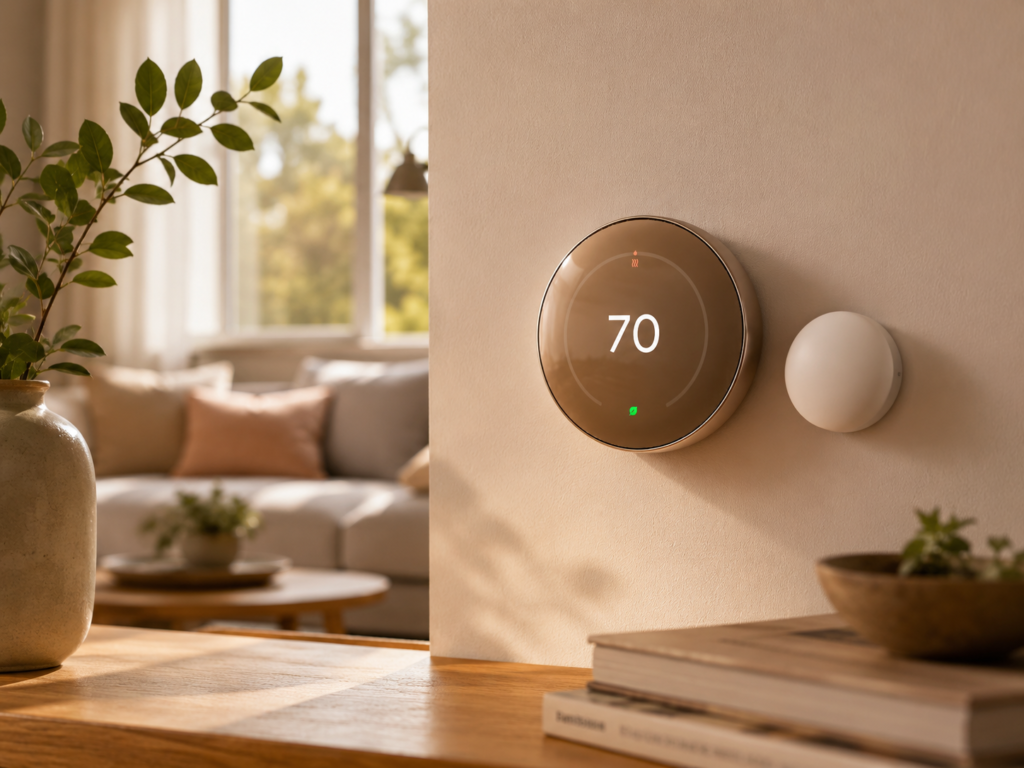
⭐⭐⭐⭐☆ 4.4/5
The Google Nest Learning Thermostat is one of the most recognizable smart thermostat options for homeowners who want a combination of convenience, automation, and energy management.
Its main advantage is its ability to learn from your routines and adjust the temperature automatically. Instead of manually changing the thermostat throughout the day, it can help create a schedule based on your habits.
Why We Like It
- Learns temperature preferences
- Attractive modern design
- Smartphone control
- Automatic scheduling
- Away features
- Smart-home integration
- Energy-saving tools
Best For
Homeowners who want an intelligent thermostat that can automate temperature control.
Ideal For
- Smart homes
- Families with predictable routines
- Homeowners who want automatic scheduling
- Google-connected households
- Energy-conscious users
Feature Table
| Feature | Details |
|---|---|
| Best For | Overall |
| Control | Touch/display + app |
| Learning | Yes |
| Scheduling | Automatic/manual |
| Remote Control | Yes |
| Room Sensors | Model dependent |
| Voice Control | Yes |
| Geofencing/Away Features | Yes |
| Energy Reports | Yes |
| Smart-Home Integration | Excellent |
| Installation | Moderate |
| Display | Modern digital display |
| Wi-Fi | Yes |
| Energy Management | ⭐⭐⭐⭐⭐ |
| Comfort Control | ⭐⭐⭐⭐⭐ |
| Ease of Use | ⭐⭐⭐⭐⭐ |
2. ecobee Smart Thermostat Premium — Best Features
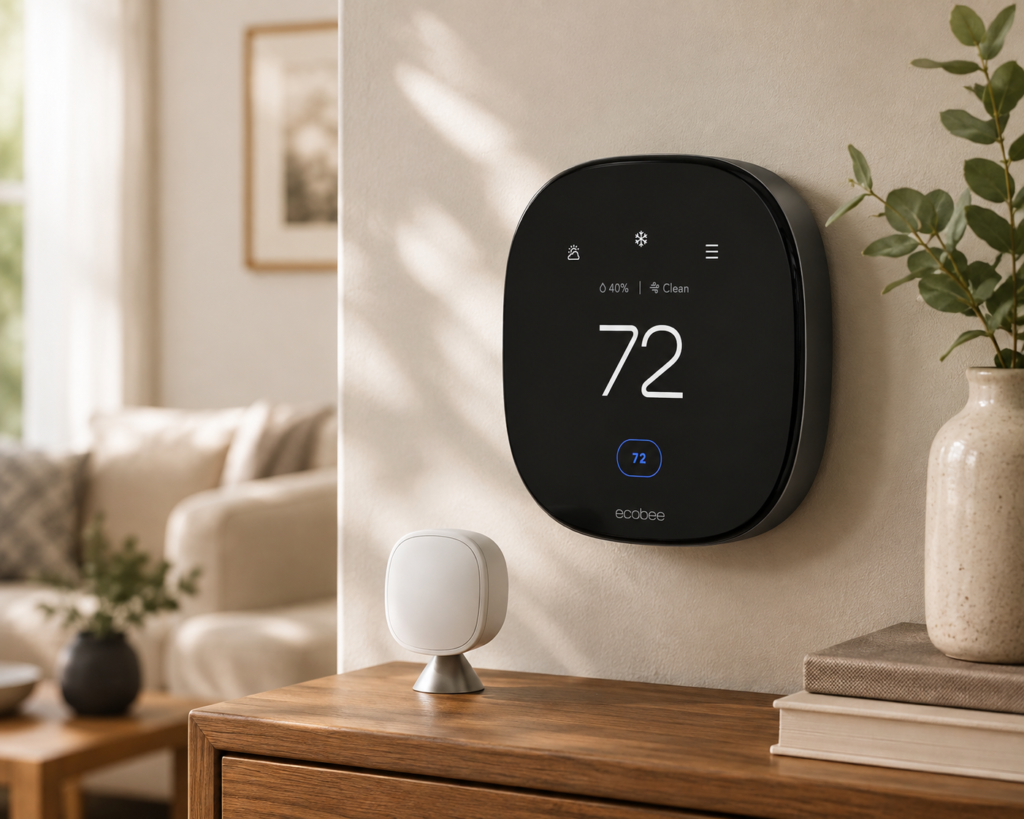
⭐⭐⭐⭐☆ 4.3/5
The ecobee Smart Thermostat Premium is designed for homeowners who want more advanced monitoring and room-by-room comfort management.
One of its strongest features is support for room sensors, which can help address temperature differences between rooms.
Why We Like It
- Advanced smart features
- Room sensor support
- Excellent scheduling
- Remote app control
- Voice assistant integration
- Energy-saving capabilities
- Premium display
Best For
Large homes where different rooms experience different temperatures.
Ideal For
- Multi-room homes
- Families
- Smart-home enthusiasts
- Homes with hot or cold rooms
- Users wanting advanced automation
Feature Table
| Feature | Details |
|---|---|
| Best For | Advanced comfort |
| Control | Touchscreen + app |
| Learning/Automation | Yes |
| Scheduling | Yes |
| Remote Control | Yes |
| Room Sensors | Supported |
| Voice Control | Supported |
| Away Features | Yes |
| Energy Reports | Yes |
| Smart-Home Integration | Excellent |
| Installation | Moderate |
| Display | Premium touchscreen |
| Wi-Fi | Yes |
| Energy Management | ⭐⭐⭐⭐⭐ |
| Comfort Control | ⭐⭐⭐⭐⭐ |
| Ease of Use | ⭐⭐⭐⭐½ |
3. Amazon Smart Thermostat — Best Value
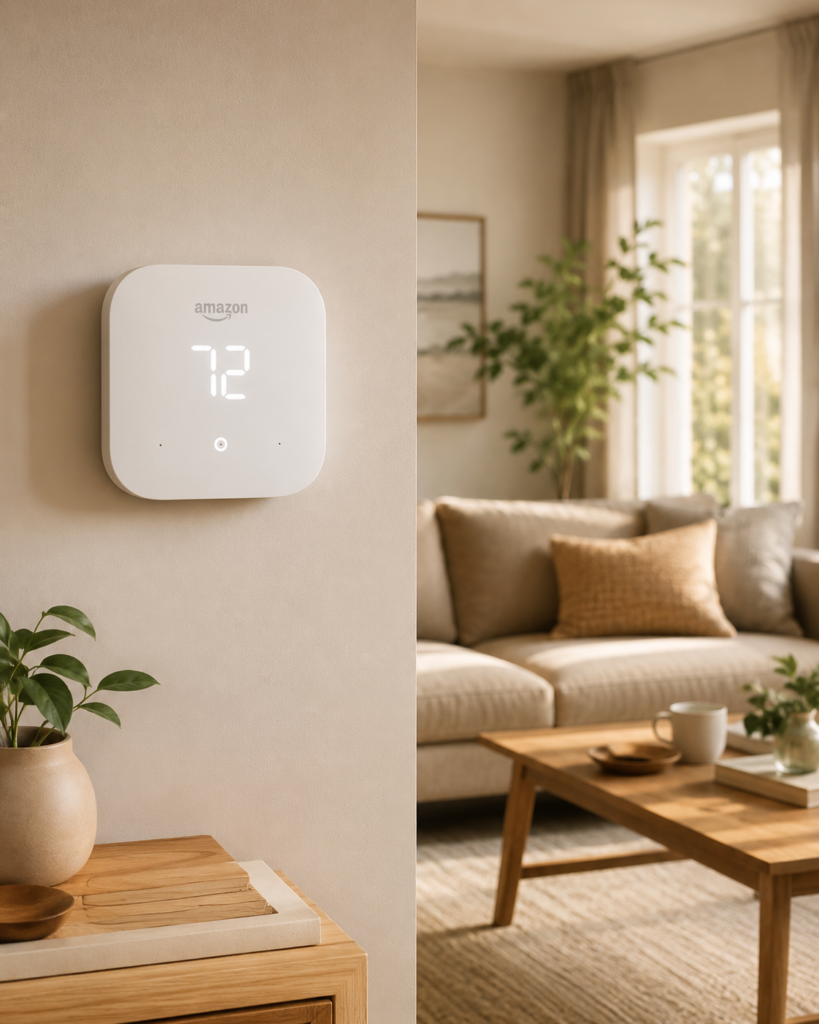
⭐⭐⭐⭐ 4/5
The Amazon Smart Thermostat is an attractive option if you want smart temperature control without moving into the highest price category.
It works particularly well for households already using compatible Amazon smart-home products.
Why We Like It
- Competitive price
- App control
- Alexa integration
- Scheduling
- Smart-home automation
- Clean design
Best For
Budget-conscious homeowners building a connected home.
Ideal For
- Alexa users
- Apartments
- Small homes
- First-time smart thermostat buyers
- Users who want basic automation
Feature Table
| Feature | Details |
|---|---|
| Best For | Value |
| Control | Touch/display + app |
| Learning/Automation | Available features vary |
| Scheduling | Yes |
| Remote Control | Yes |
| Room Sensors | Limited/model dependent |
| Voice Control | Alexa |
| Away Features | Yes |
| Energy Features | Yes |
| Smart-Home Integration | Excellent with compatible systems |
| Installation | Moderate |
| Display | Digital |
| Wi-Fi | Yes |
| Energy Management | ⭐⭐⭐⭐½ |
| Comfort Control | ⭐⭐⭐⭐ |
| Ease of Use | ⭐⭐⭐⭐½ |
4. Sensi Touch 2 — Best for Easy Everyday Control
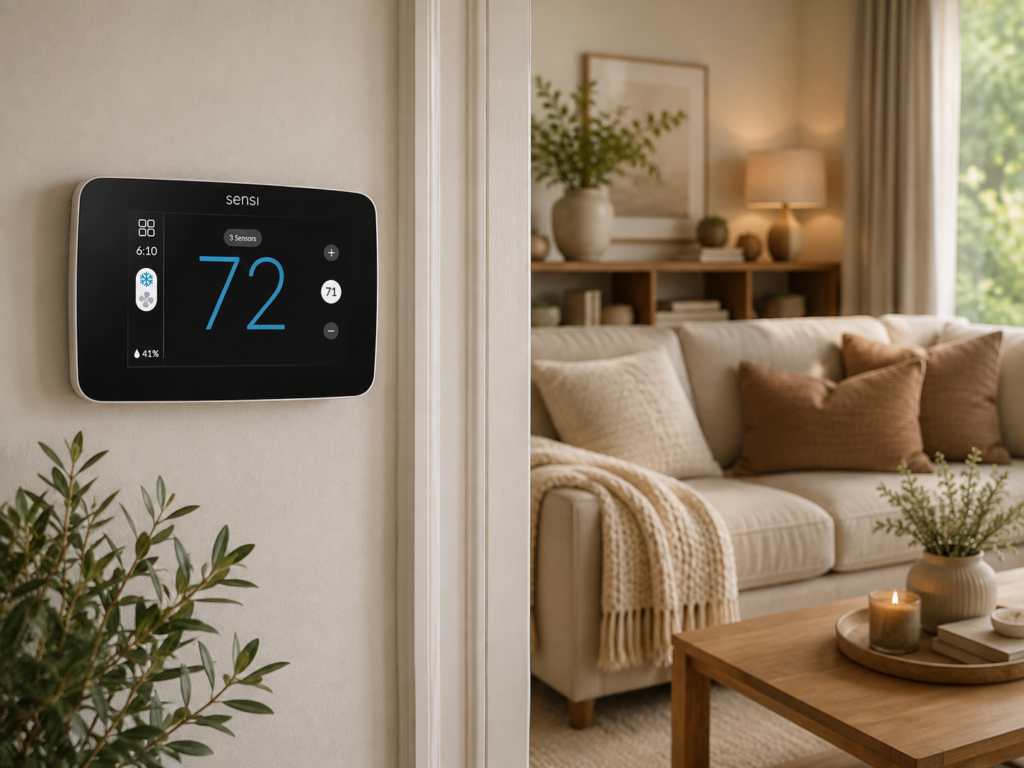
⭐⭐⭐⭐☆ 4.3/5
The Sensi Touch 2 focuses on straightforward operation while still providing the smart features many homeowners expect.
Its touchscreen interface makes temperature adjustments simple, while app control allows you to manage your HVAC system remotely.
Why We Like It
- Easy-to-use touchscreen
- Smartphone control
- Scheduling
- Energy-saving features
- Clean interface
- Compatible with many HVAC systems
Best For
Users who want smart features without an overly complicated interface.
Ideal For
- First-time smart thermostat owners
- Families
- Traditional HVAC systems
- Homeowners who prefer simple controls
Feature Table
| Feature | Details |
|---|---|
| Best For | Easy everyday control |
| Control | Touchscreen + app |
| Learning | Limited/automation features |
| Scheduling | Yes |
| Remote Control | Yes |
| Room Sensors | Supported depending on setup |
| Voice Control | Supported |
| Away Features | Yes |
| Energy Reports | Yes |
| Smart-Home Integration | Good |
| Installation | Easy–Moderate |
| Display | Touchscreen |
| Wi-Fi | Yes |
| Energy Management | ⭐⭐⭐⭐½ |
| Comfort Control | ⭐⭐⭐⭐½ |
| Ease of Use | ⭐⭐⭐⭐⭐ |
5. Honeywell Home T9 — Best for Room-by-Room Comfort
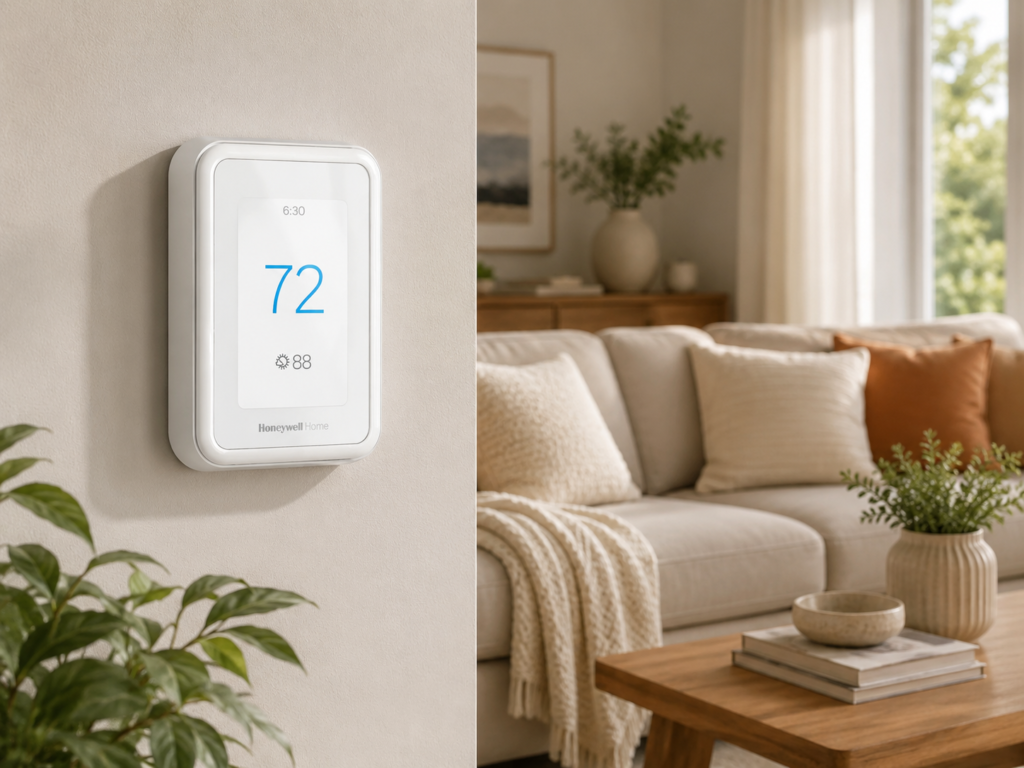
⭐⭐⭐⭐☆ 4.4/5
The Honeywell Home T9 is a strong option for homes where temperature varies significantly between rooms.
With compatible room sensors, you can focus temperature management on the spaces that matter most.
Why We Like It
- Room sensor support
- Smart scheduling
- Remote app control
- Strong HVAC compatibility
- Useful temperature monitoring
- Good energy-management features
Best For
Homes with noticeable temperature differences between rooms.
Ideal For
- Multi-story homes
- Large houses
- Bedrooms that run hot or cold
- Families with different comfort preferences
Feature Table
| Feature | Details |
|---|---|
| Best For | Room-by-room comfort |
| Control | Touchscreen + app |
| Learning/Automation | Yes |
| Scheduling | Yes |
| Remote Control | Yes |
| Room Sensors | Supported |
| Voice Control | Supported |
| Away Features | Yes |
| Energy Reports | Yes |
| Smart-Home Integration | Good |
| Installation | Moderate |
| Display | Touchscreen |
| Wi-Fi | Yes |
| Energy Management | ⭐⭐⭐⭐⭐ |
| Comfort Control | ⭐⭐⭐⭐⭐ |
| Ease of Use | ⭐⭐⭐⭐½ |
6. Wyze Thermostat — Best Budget Option
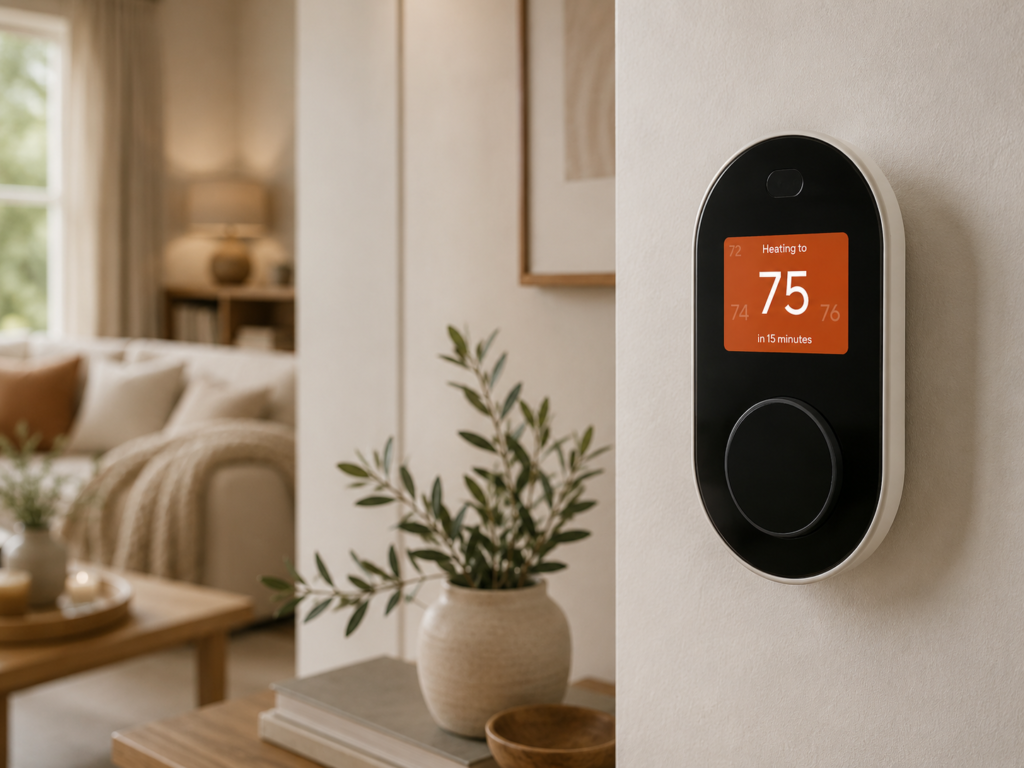
⭐⭐⭐⭐ 3.9/5
If your main goal is to add basic smart controls without spending heavily, the Wyze Thermostat is worth considering.
It provides app-based temperature control and scheduling while maintaining a relatively straightforward interface.
Why We Like It
- Budget-friendly approach
- App control
- Scheduling
- Voice assistant compatibility
- Simple interface
- Good entry point into smart-home automation
Best For
Budget-conscious homeowners who want basic smart thermostat features.
Ideal For
- Small homes
- Apartments
- First-time buyers
- Simple HVAC setups
Feature Table
| Feature | Details |
|---|---|
| Best For | Budget |
| Control | Display + app |
| Learning | Basic automation |
| Scheduling | Yes |
| Remote Control | Yes |
| Room Sensors | No/limited |
| Voice Control | Supported |
| Away Features | Yes |
| Energy Features | Good |
| Smart-Home Integration | Good |
| Installation | Easy–Moderate |
| Display | Digital |
| Wi-Fi | Yes |
| Energy Management | ⭐⭐⭐⭐ |
| Comfort Control | ⭐⭐⭐⭐ |
| Ease of Use | ⭐⭐⭐⭐½ |
7. Mysa Smart Thermostat — Best for Electric Heating
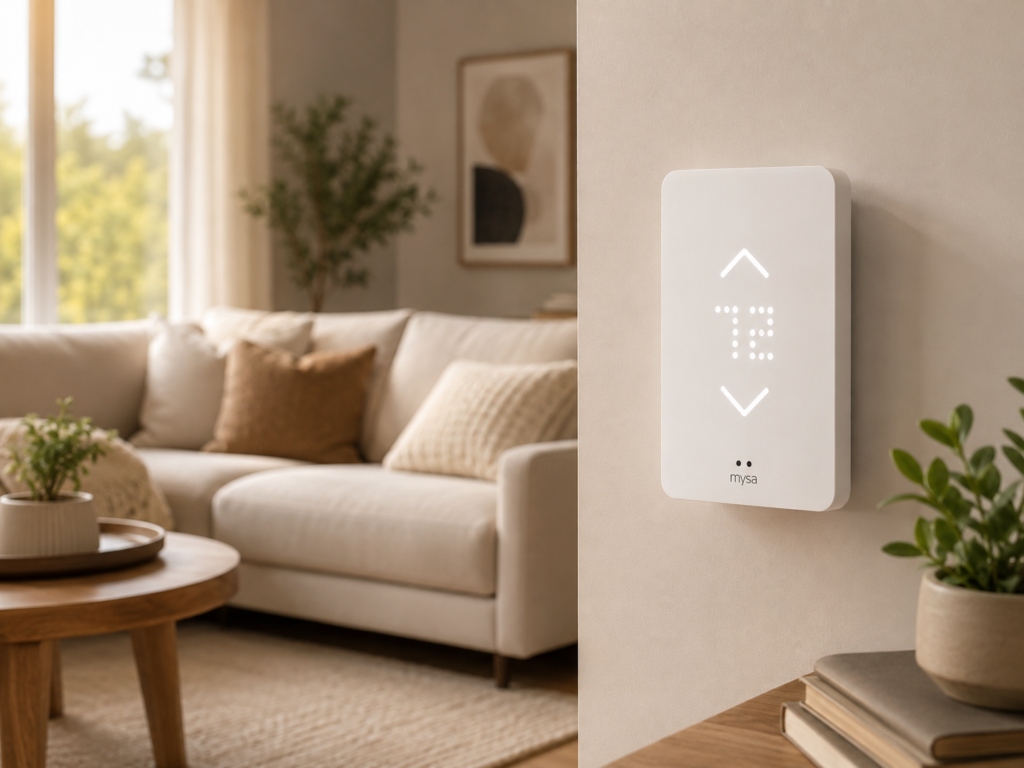
⭐⭐⭐⭐⭐ 4.5/5
Not every home uses the same type of heating system. The Mysa Smart Thermostat is designed for specific electric heating applications, making it an interesting alternative to conventional HVAC thermostats.
Before buying, carefully check whether your heating system is supported.
Why We Like It
- Designed for compatible electric heating
- Smartphone control
- Scheduling
- Smart-home integration
- Energy-management features
- Clean design
Best For
Homes using compatible electric heating systems.
Ideal For
- Electric baseboard heating
- Electric radiant heating
- Smart-home users
- Rooms requiring independent heating control
Feature Table
| Feature | Details |
|---|---|
| Best For | Electric heating |
| Control | Device + app |
| Learning | Automation features vary |
| Scheduling | Yes |
| Remote Control | Yes |
| Room Sensors | Model/system dependent |
| Voice Control | Supported |
| Away Features | Yes |
| Energy Features | Excellent |
| Smart-Home Integration | Excellent |
| Installation | Moderate |
| Display | Digital |
| Wi-Fi | Yes |
| Energy Management | ⭐⭐⭐⭐⭐ |
| Comfort Control | ⭐⭐⭐⭐½ |
| Ease of Use | ⭐⭐⭐⭐½ |
How to Choose the Right Thermostat
Choosing a thermostat starts with your HVAC system rather than the thermostat’s appearance.
Step 1: Check HVAC Compatibility
Before purchasing, identify your heating and cooling system.
It may use:
- Central air conditioning
- Furnace
- Heat pump
- Boiler
- Electric baseboard heating
- Radiant heating
- Multi-stage heating or cooling
Always verify compatibility with the manufacturer’s compatibility checker before installation.
Step 2: Check the Wiring
Some smart thermostats require a C-wire, also known as a common wire, while others can work with alternative power solutions.
If you’re unsure about your existing wiring, take a photo of the current thermostat wiring and consult the manufacturer’s installation guide or a qualified HVAC professional.
Step 3: Decide How Smart You Want Your Thermostat to Be
There are three broad categories:
Basic Programmable Thermostat
Best if you simply want automatic temperature schedules.
Smart Thermostat
Best if you want app control, remote adjustments, and smart-home integration.
Learning Thermostat
Best if you want the thermostat to automate more of the scheduling based on your habits.
Step 4: Consider Room Sensors
Room sensors can be particularly useful when one part of your home is consistently warmer or colder than another.
They can help prioritize specific rooms depending on the thermostat system.
Step 5: Check Smart-Home Compatibility
If you already use a smart-home platform, choose a thermostat that works with it.
Common ecosystems include:
- Google Home
- Amazon Alexa
- Apple Home
- Other compatible smart-home platforms
How to Install a Smart Thermostat
If you’re comfortable working with your HVAC wiring and the manufacturer allows DIY installation, the general process looks like this.
Step 1: Turn Off Power
Switch off power to the HVAC system at the appropriate breaker or service switch.
Step 2: Remove the Existing Thermostat
Carefully remove the thermostat cover and document the existing wiring.
Step 3: Label the Wires
Use the labels provided by the thermostat manufacturer.
Step 4: Install the New Mounting Plate
Secure the mounting plate according to the manufacturer’s instructions.
Step 5: Connect the Wires
Connect each wire to the correct terminal.
Step 6: Attach the Thermostat
Secure the thermostat to the mounting plate.
Step 7: Restore Power
Turn the HVAC system back on.
Step 8: Complete Setup
Connect the thermostat to Wi-Fi and configure your schedule.
Important: HVAC wiring varies between systems. If you’re unsure about any wiring or electrical connection, use a qualified professional rather than guessing.
How to Use a Thermostat for Better Energy Savings
Buying a smart thermostat doesn’t automatically guarantee lower energy bills. How you use it matters.
1. Create a Schedule
Set temperatures according to when you’re normally home, asleep, or away.
2. Use Away Settings
If your thermostat supports occupancy or away features, use them to reduce unnecessary heating or cooling.
3. Avoid Extreme Temperature Changes
Large temperature changes can make your HVAC system work harder. Aim for reasonable temperature settings.
4. Use Room Sensors Strategically
If available, place sensors in rooms where comfort matters most.
5. Maintain Your HVAC System
A thermostat can’t compensate for a poorly maintained HVAC system.
Replace filters according to your system’s requirements and keep vents clear.
6. Use Remote Control Carefully
The ability to change your thermostat from your phone is useful, but frequent manual adjustments can work against an efficient schedule.
Smart Thermostat Features Worth Paying For
Not every feature is equally valuable.
Worth Considering
Remote app control: Very useful for adjusting the temperature when you’re away.
Scheduling: One of the most practical energy-management features.
Away detection: Useful for reducing heating or cooling when nobody is home.
Room sensors: Particularly valuable in larger homes.
Energy reports: Helpful for understanding your HVAC usage.
Smart-home integration: Useful if you already have connected devices.
Features You May Not Need
Some premium features can increase the price without making a meaningful difference for every household.
If you mainly want basic scheduling and remote control, you may not need the most expensive thermostat.
Common Thermostat Buying Mistakes
1. Ignoring HVAC Compatibility
The most important mistake is buying a thermostat without confirming that it works with your HVAC system.
2. Forgetting About the C-Wire
Check power requirements before purchasing.
3. Choosing Features You Won’t Use
A premium thermostat isn’t necessarily better for everyone.
4. Ignoring Room Temperature Differences
If some rooms are consistently hotter or colder, consider a model that supports room sensors.
5. Installing It in the Wrong Location
Avoid placing a thermostat where direct sunlight, drafts, appliances, or other heat sources could influence its temperature readings.
6. Expecting Instant Energy Savings
A smart thermostat can help manage heating and cooling, but your actual savings depend on your climate, HVAC system, home insulation, settings, and usage habits.
Frequently Asked Questions
Do smart thermostats really save energy?
They can. Scheduling, away settings, and more efficient temperature management can reduce unnecessary heating and cooling. Actual savings vary by home and usage.
What is the best thermostat for energy savings?
The best option depends on your HVAC system and how much automation you want. Learning thermostats and models with strong scheduling and energy-management features are good places to start.
Do all smart thermostats need Wi-Fi?
Most modern smart thermostats use Wi-Fi for remote app control and connected features, although basic programmable thermostats generally do not.
Do smart thermostats require a C-wire?
Not all of them. Requirements vary by model and HVAC system, so always check the manufacturer’s compatibility information.
Are smart thermostats difficult to install?
Installation can be straightforward for compatible systems, but HVAC wiring varies. If you’re not comfortable working with electrical or HVAC connections, professional installation is the safer choice.
Can a smart thermostat control different rooms?
Some models support separate room sensors that can monitor temperatures in different areas and help prioritize comfort.
Where should I install a thermostat?
A thermostat is generally best placed on an interior wall away from direct sunlight, drafts, doors, windows, and heat-producing appliances.
Is an expensive thermostat worth it?
It depends on your needs. If you only want scheduling, a simpler model may be enough. Advanced models can be worthwhile if you want room sensors, learning features, detailed energy reports, and broader smart-home integration.
Final Verdict
The best thermostat for your home should balance compatibility, comfort, automation, and energy management rather than simply offering the largest number of features.
For most homeowners, the Google Nest Learning Thermostat is an excellent all-around choice because of its combination of automation, scheduling, smart-home integration, and user-friendly controls.
The ecobee Smart Thermostat Premium is particularly appealing if room-by-room comfort and advanced features are priorities. For shoppers focused on value, the Amazon Smart Thermostat offers a strong combination of smart features and affordability.
If your home has significant temperature differences between rooms, consider the Honeywell Home T9. Meanwhile, the Sensi Touch 2 is a good option for users who prioritize straightforward controls.
For compatible electric heating systems, Mysa deserves special consideration.
Before purchasing, however, check HVAC compatibility and wiring requirements first. A thermostat with fewer features that works perfectly with your system is a better choice than an advanced model that isn’t compatible.
Thermostat Buying Checklist
- Check HVAC compatibility
- Check whether you have a C-wire
- Identify your heating and cooling system
- Decide whether you need learning features
- Consider room sensors
- Check smart-home compatibility
- Look for scheduling
- Consider away detection
- Check app functionality
- Compare energy-management features
- Consider installation requirements
- Check display and controls
- Choose features you’ll actually use
- Consider professional installation if needed